Native apps with a clear purpose.
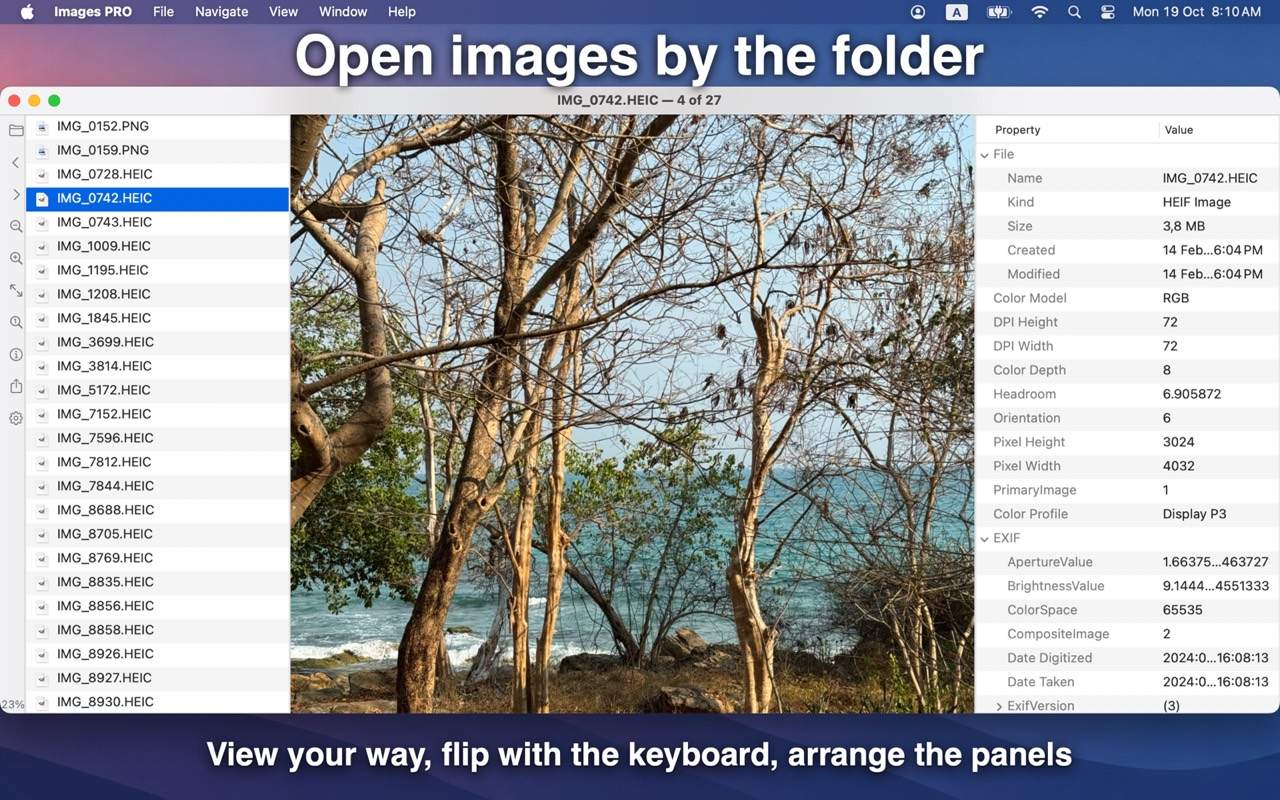
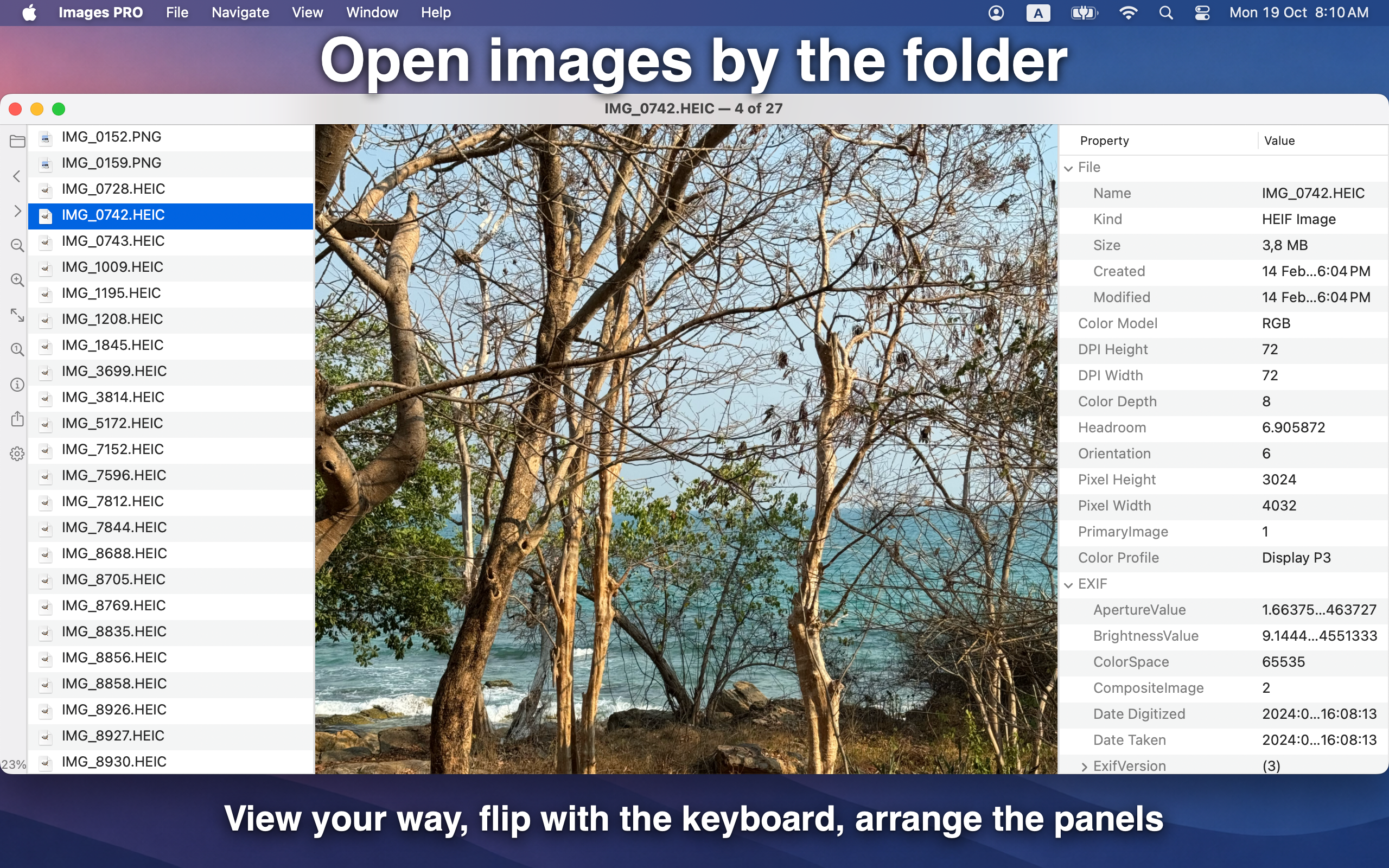
Open images by the folder.
Browse a folder as a catalog, keep a large preview in the center, and open properties when you need them.
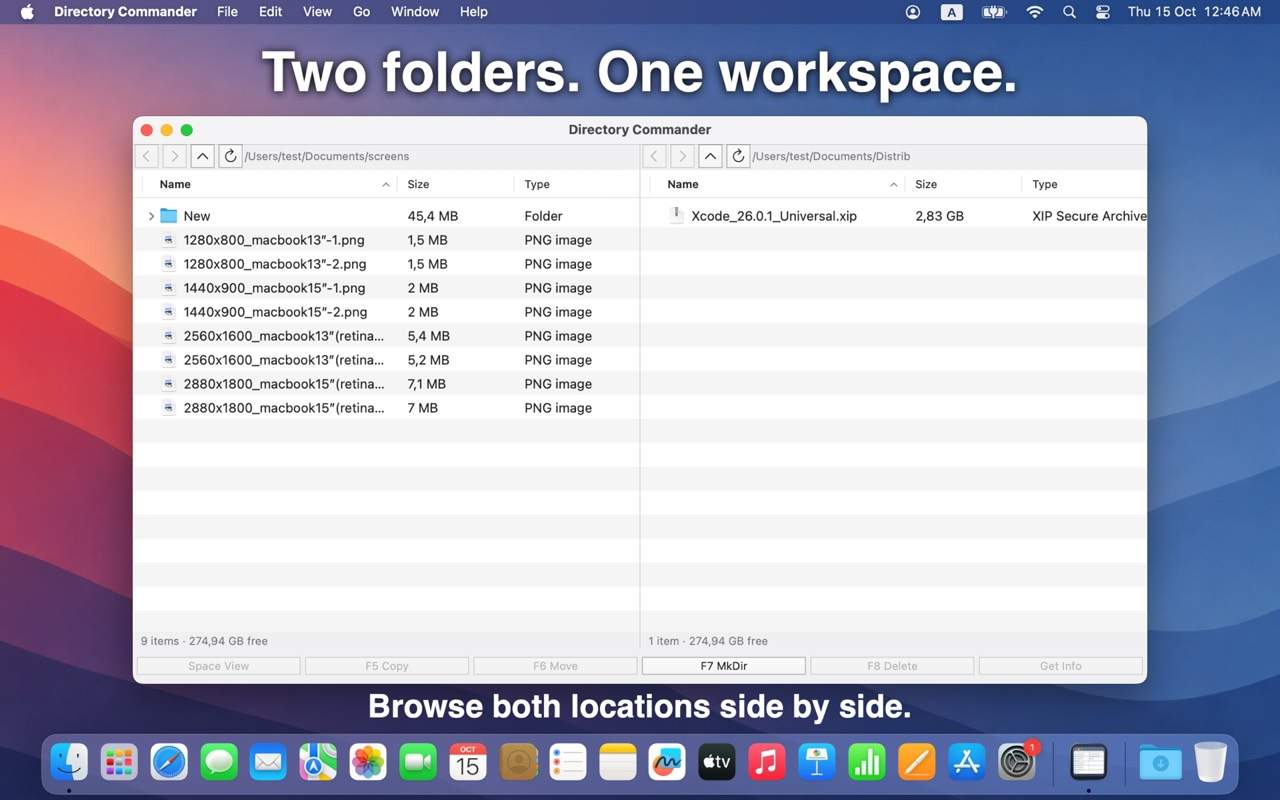
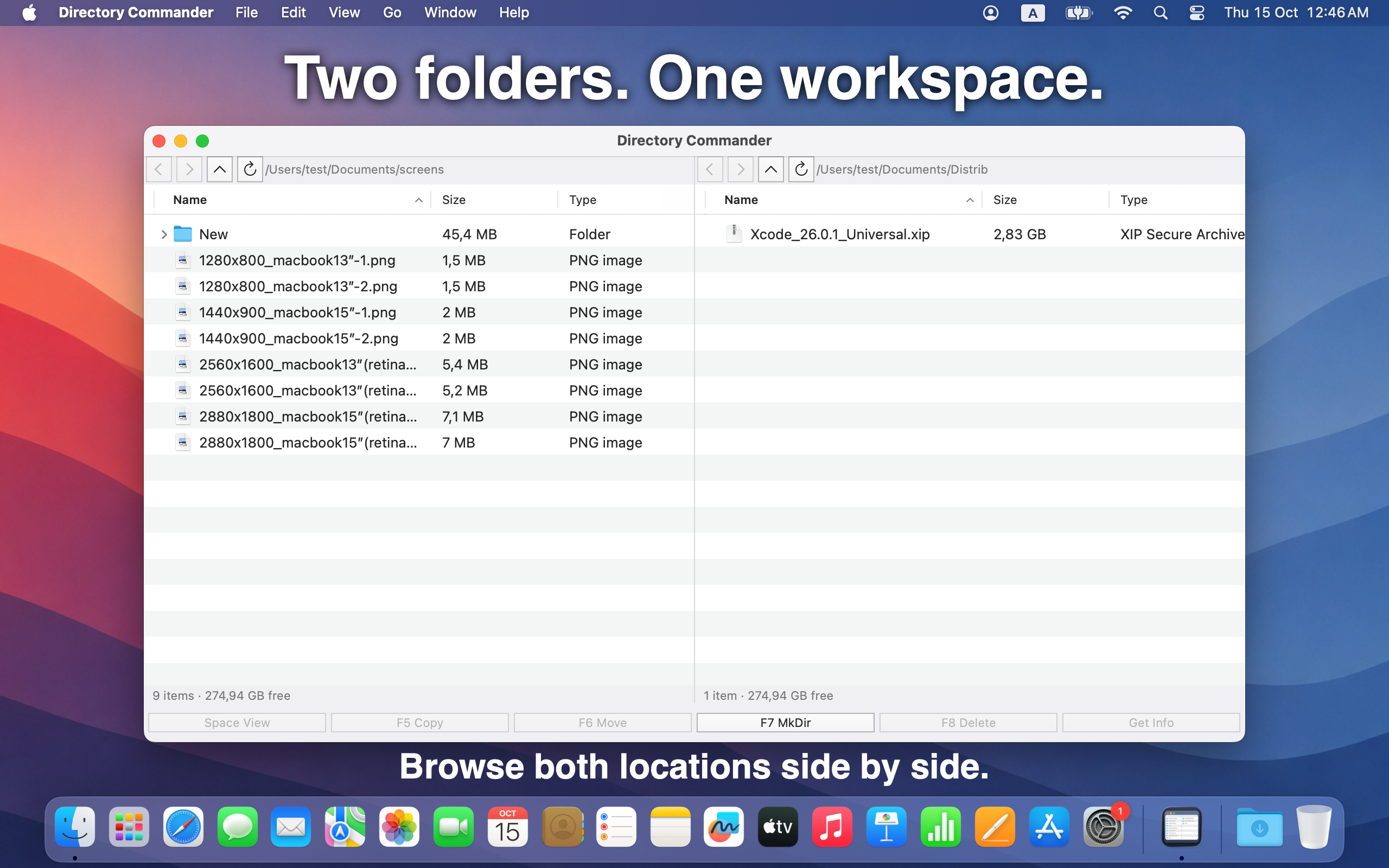
Two folders. One workspace.
Browse both locations side by side. Copy, move, and preview files without juggling Finder windows.
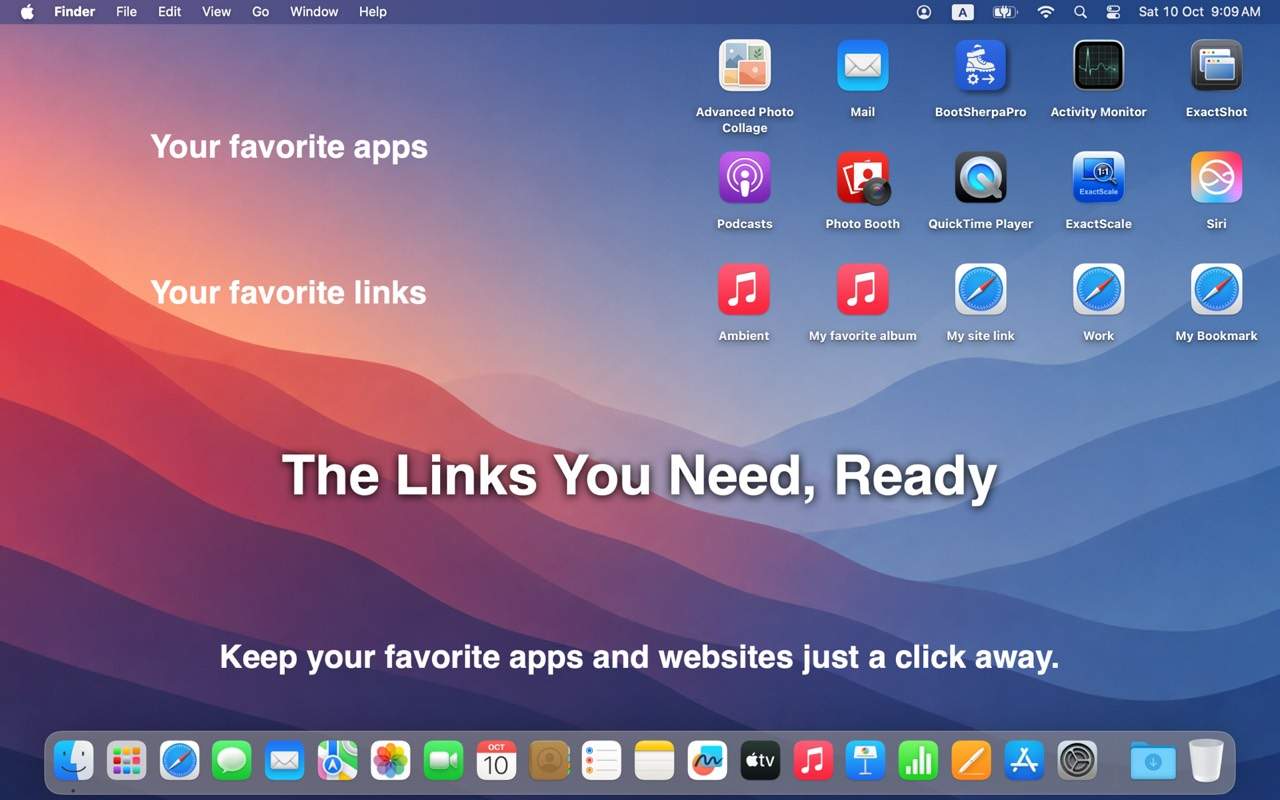
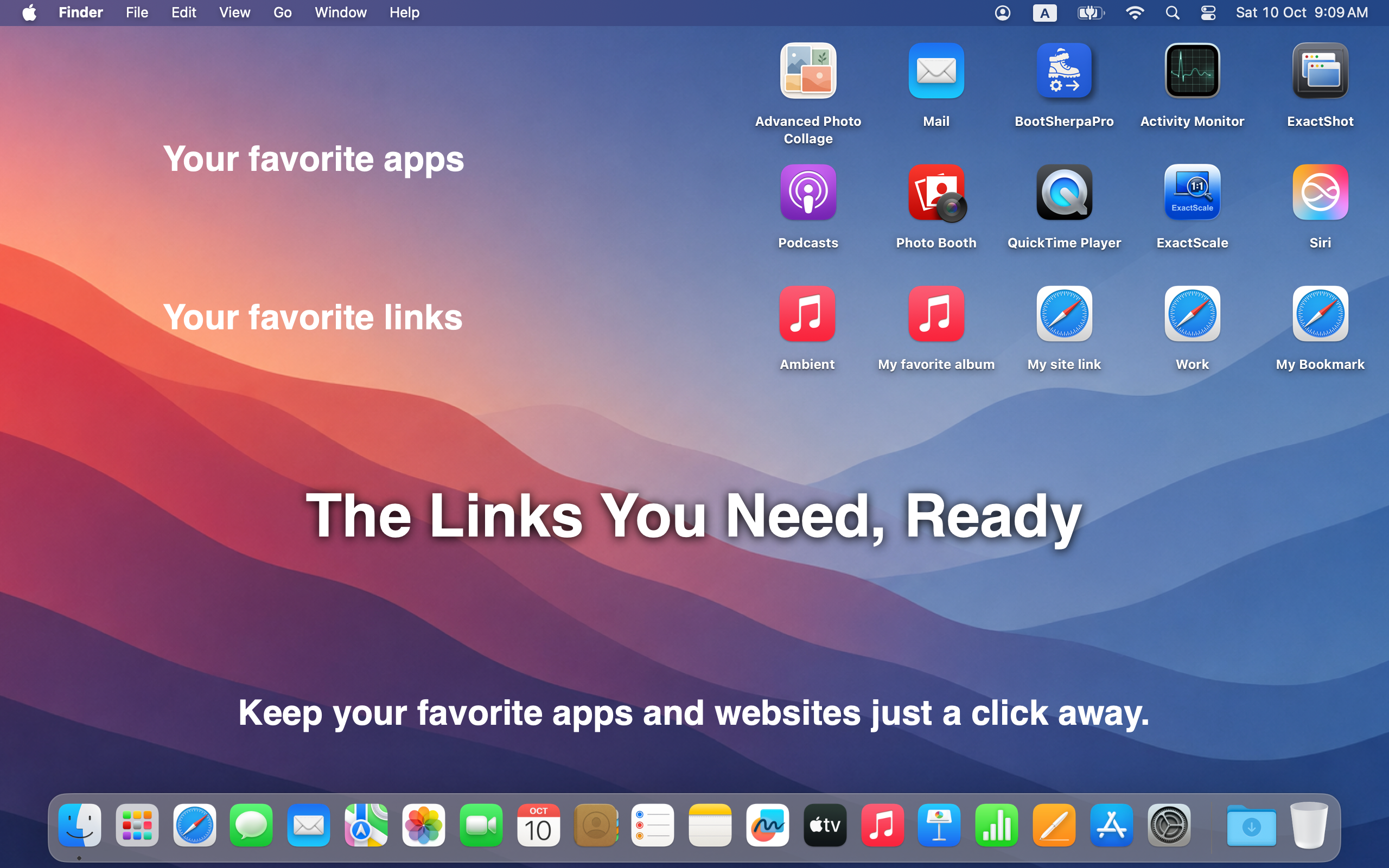
The links you need, ready.
Create desktop shortcuts from URLs and open them in the right app — App Store, Music, Safari, and more.
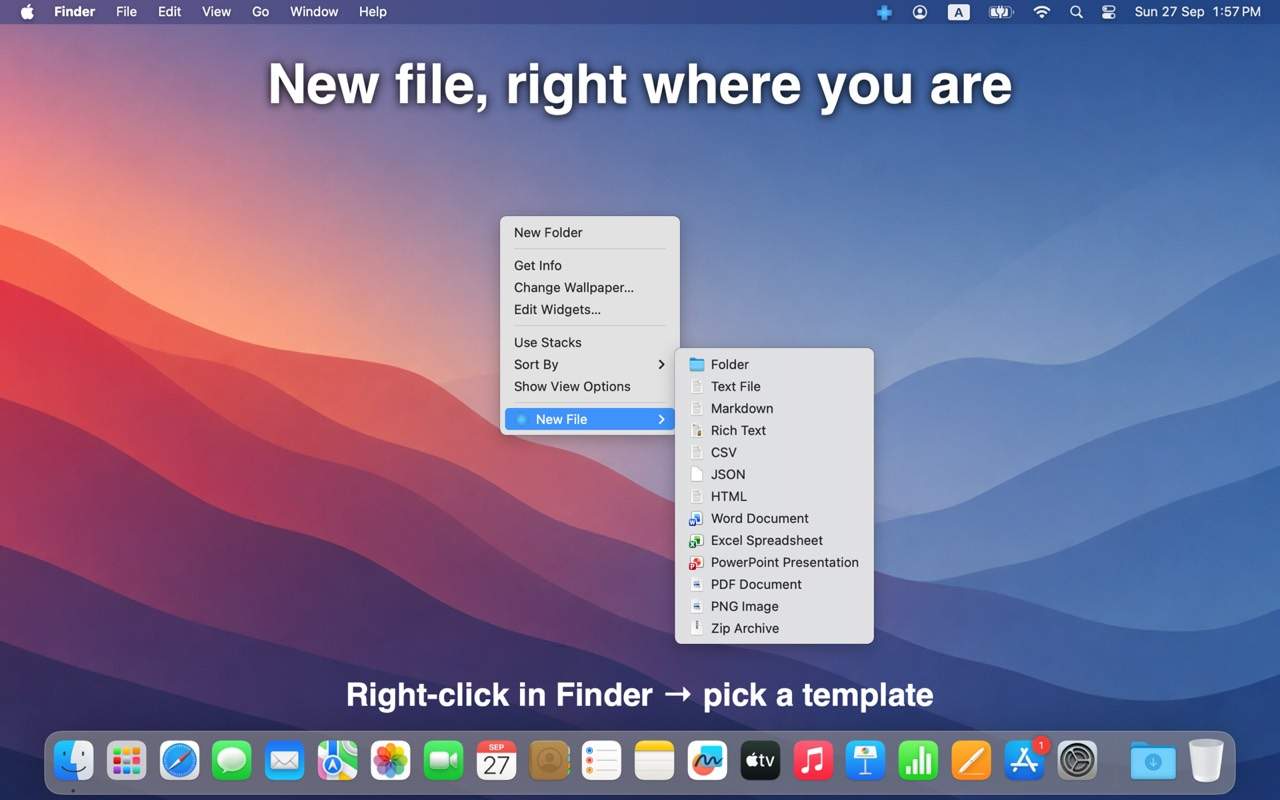
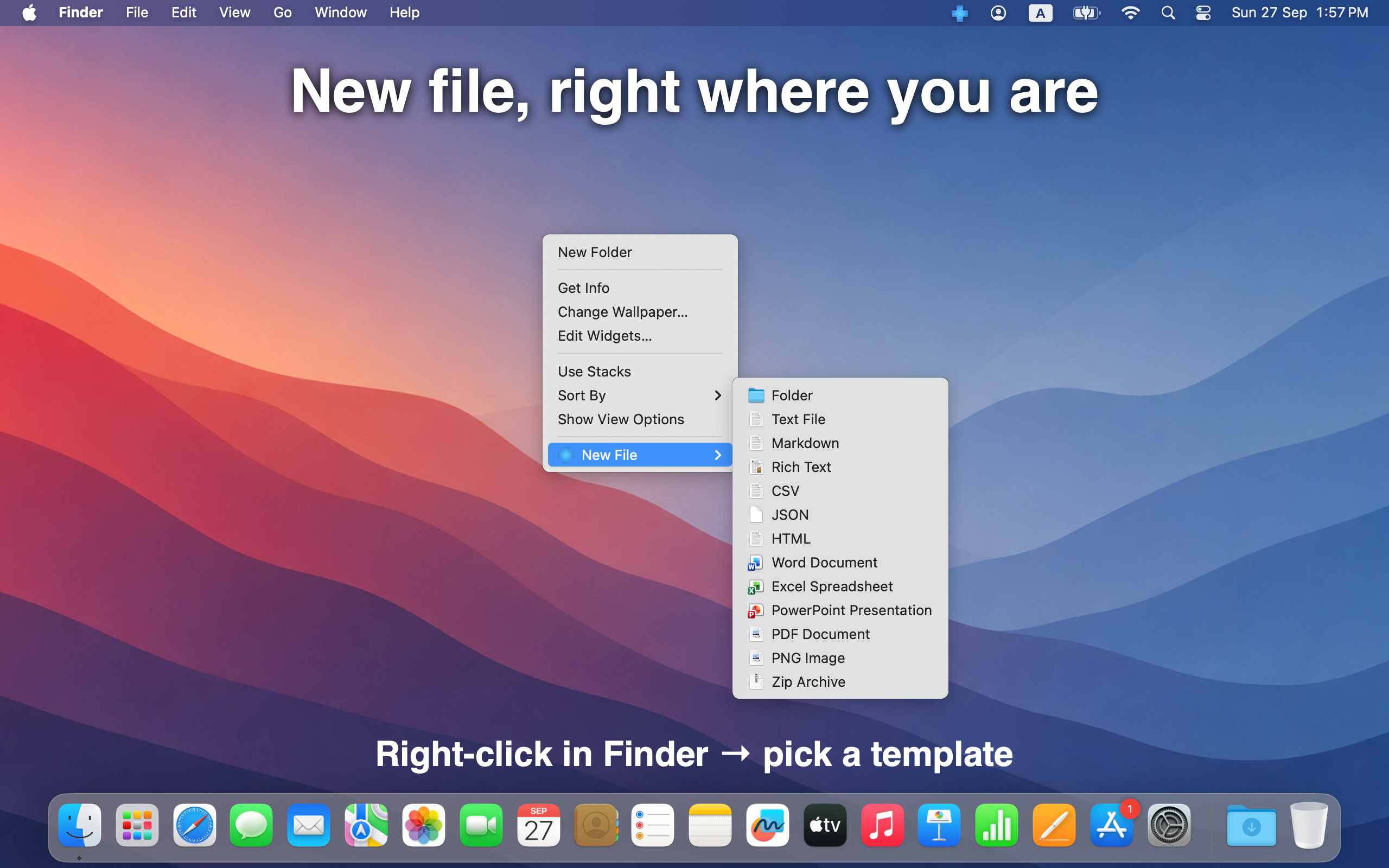
New file, right where you are.
Right-click in Finder and create files from templates — built-in or your own — without leaving the folder.
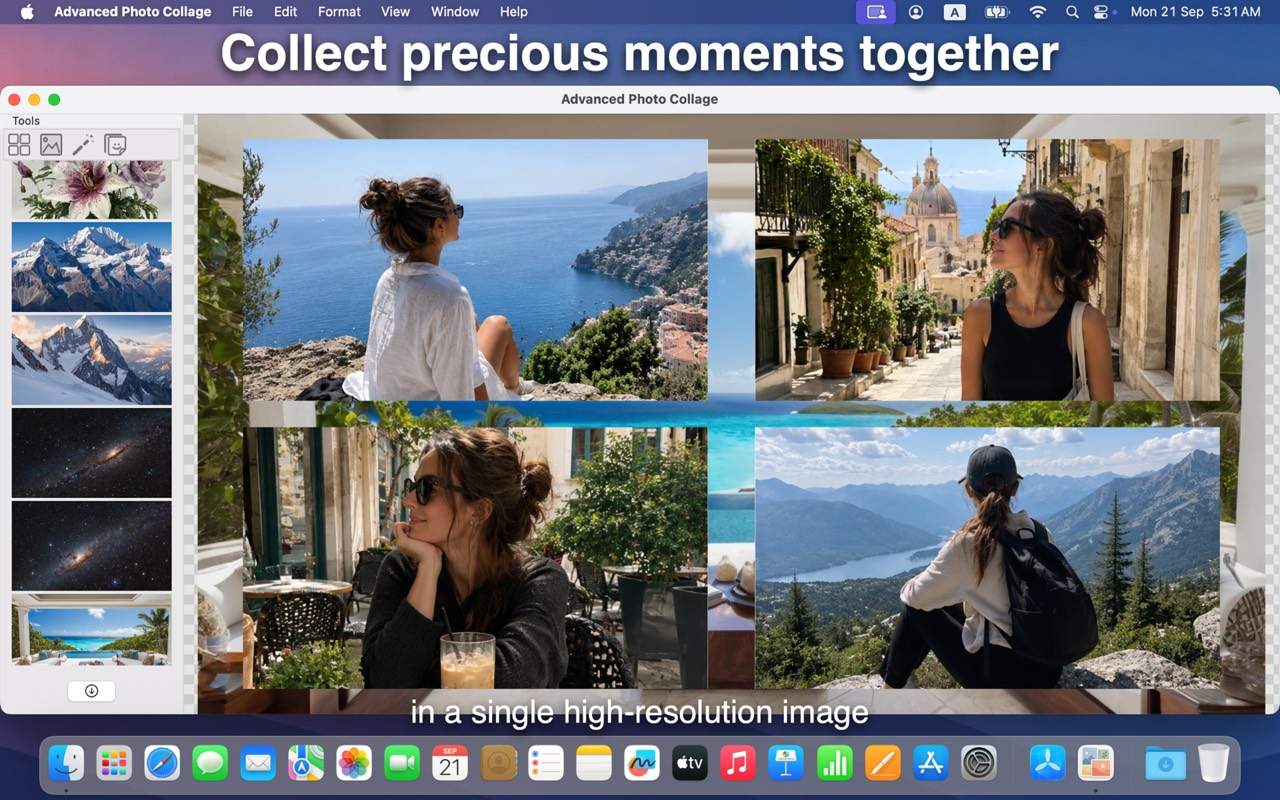
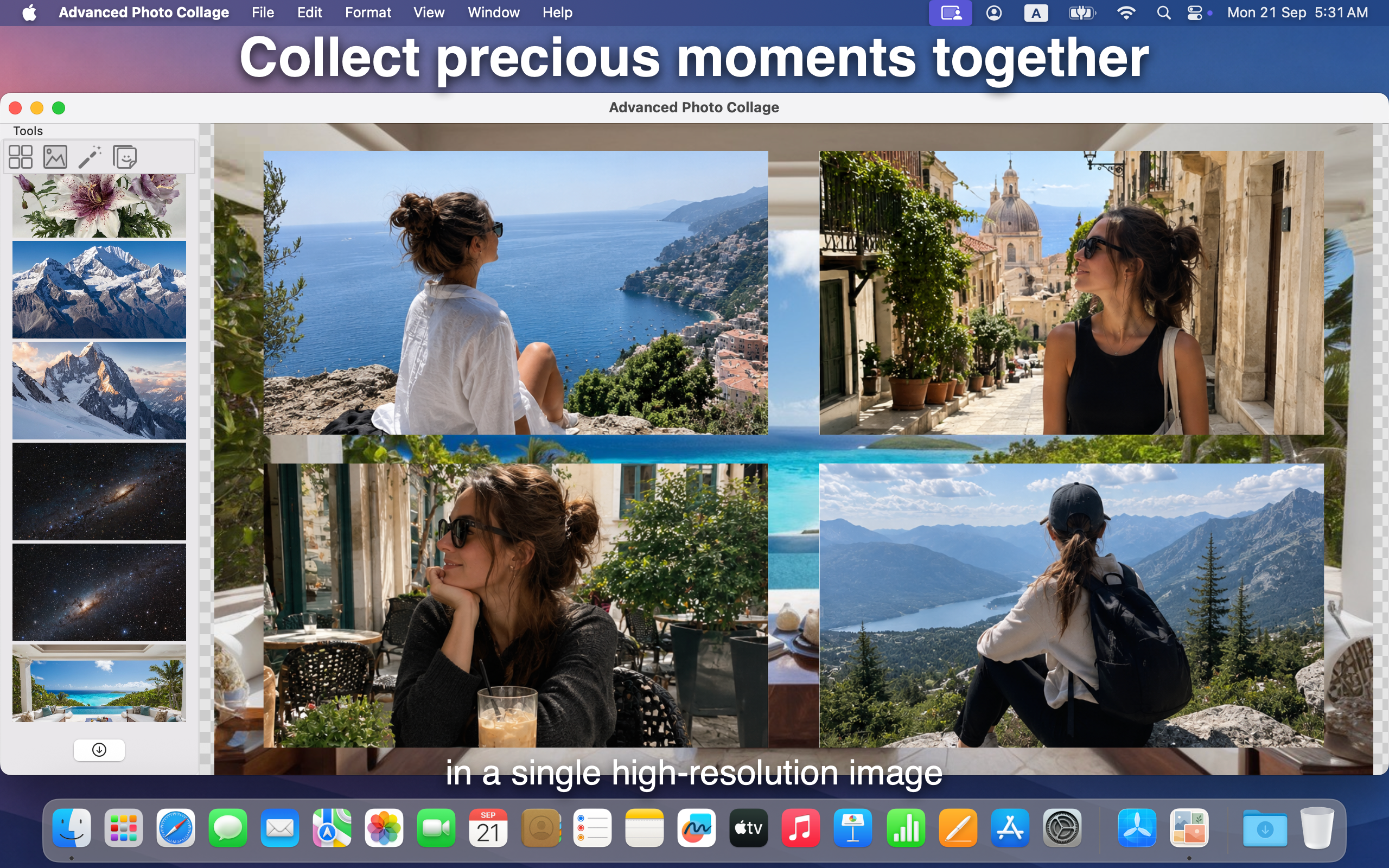
Collages that look pro.
Turn everyday photos into polished layouts — templates, backgrounds, stickers, and high-resolution export.
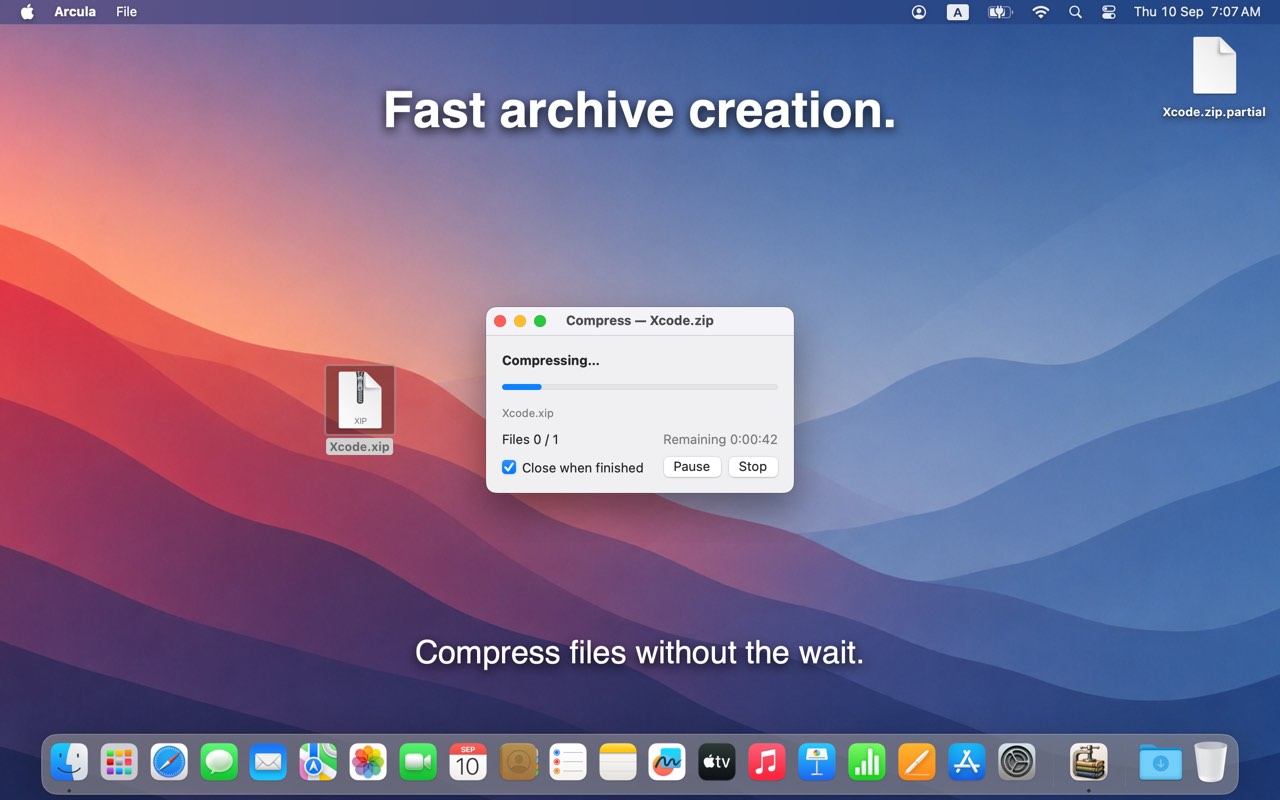
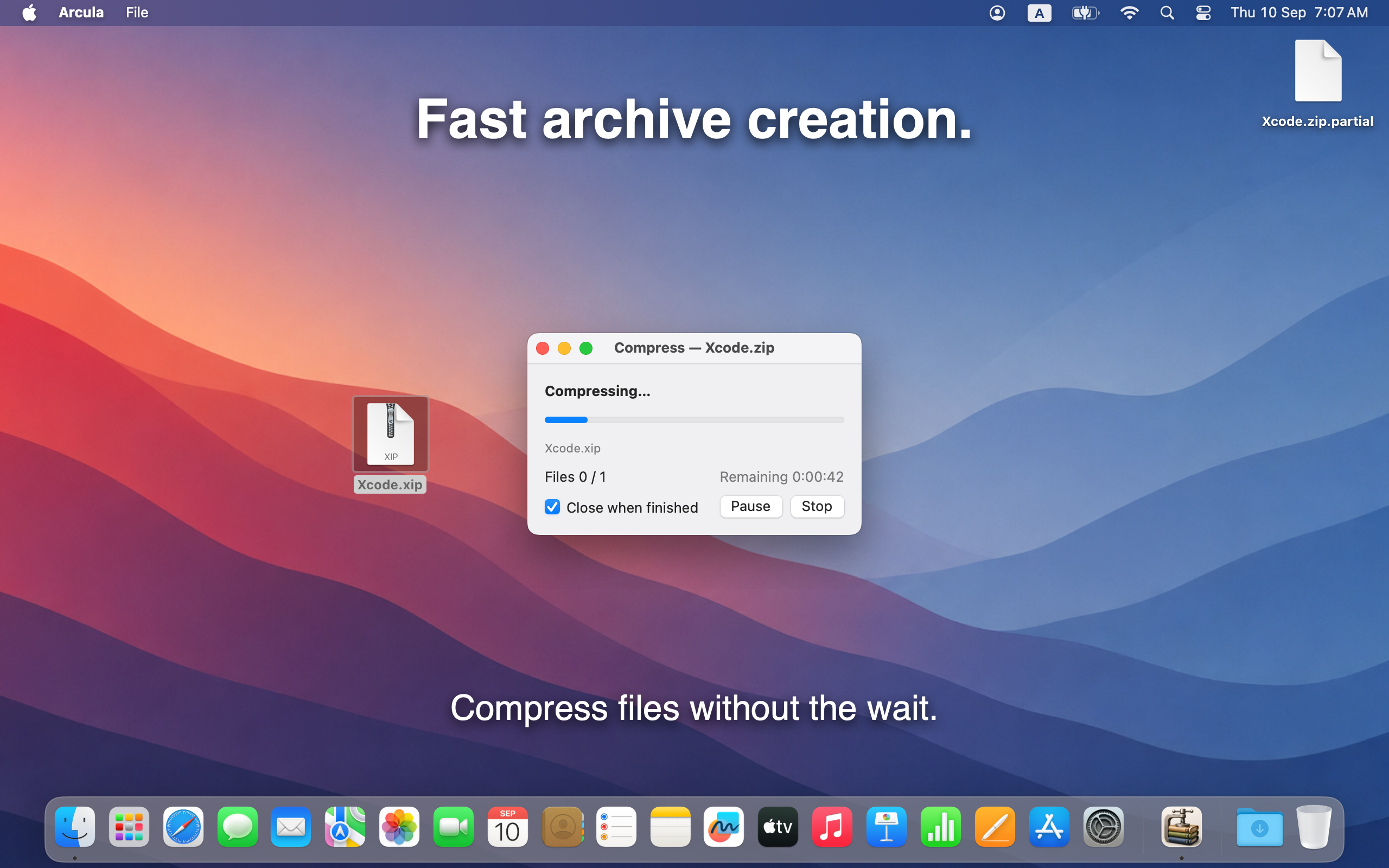
Fast archive creation.
Compress without the wait. TAR.ZST for speed, ZIP for compatibility — create, browse, and extract on macOS.
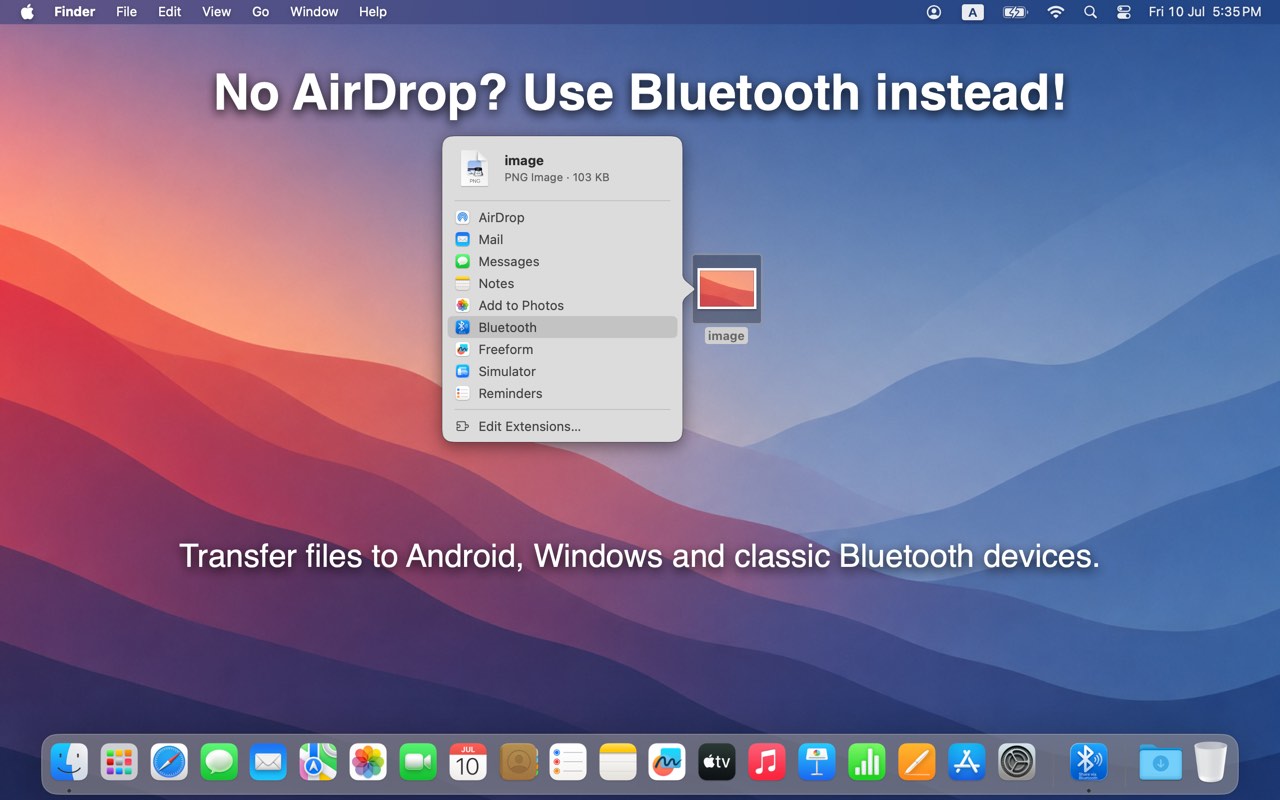
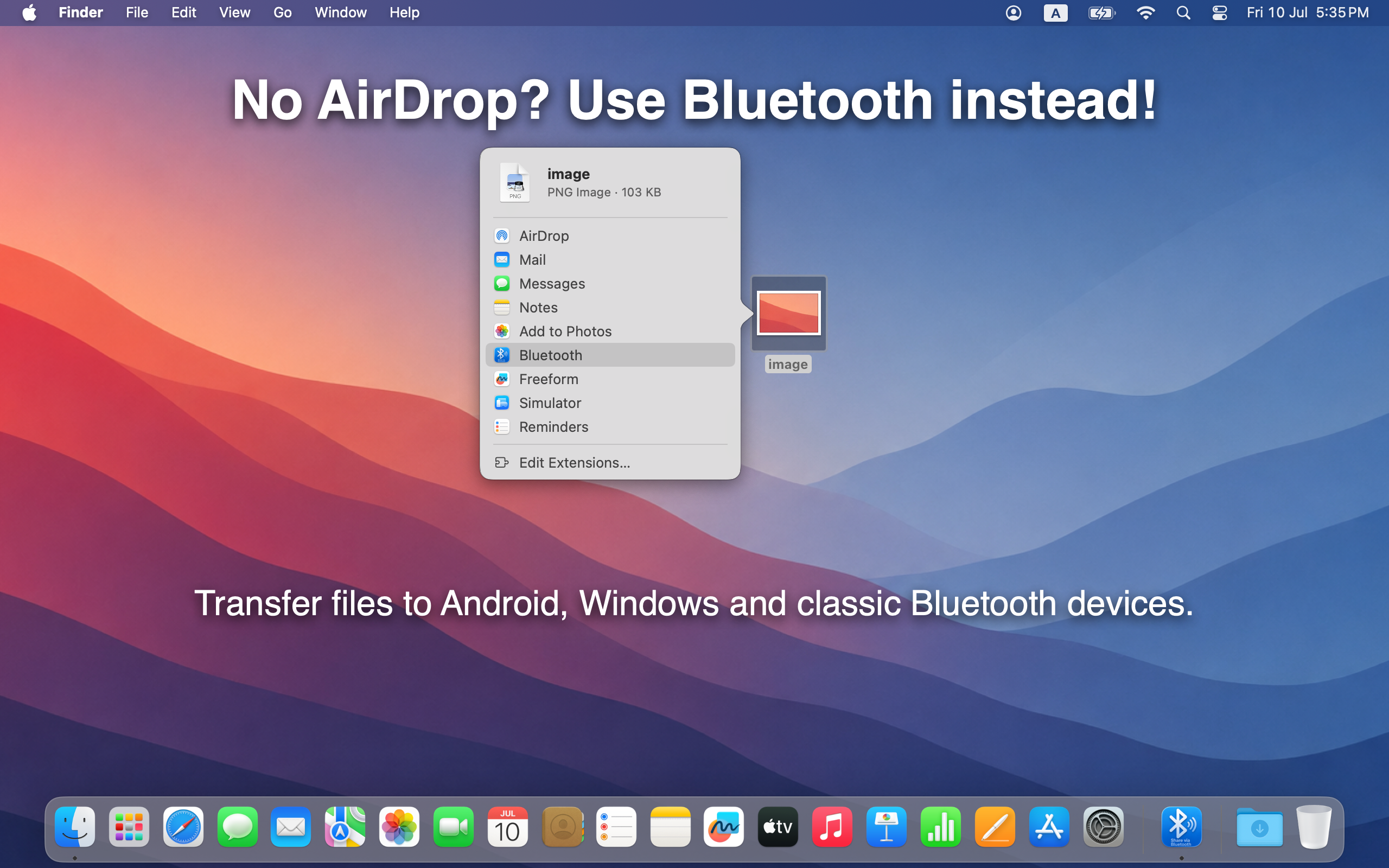
No AirDrop? Use Bluetooth instead.
Transfer files to Android, Windows, and classic Bluetooth devices — right from the macOS Share menu.
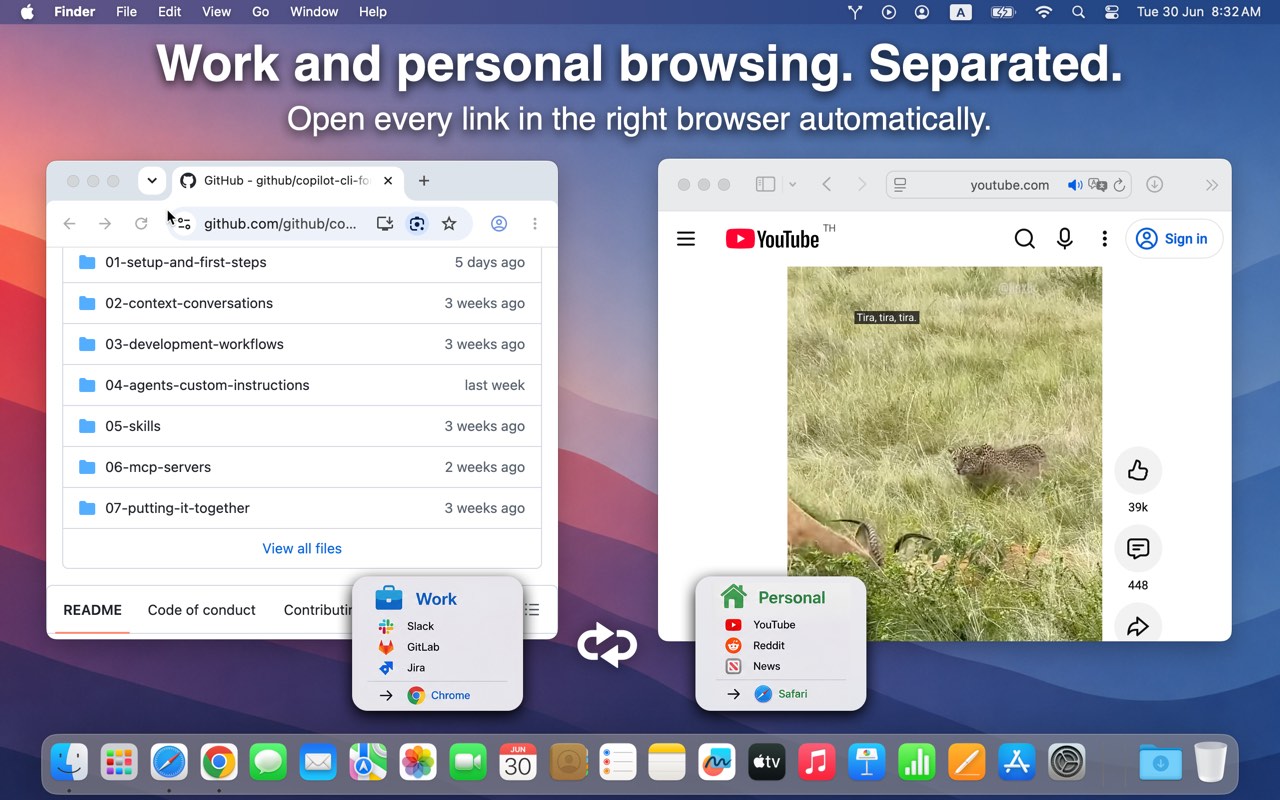
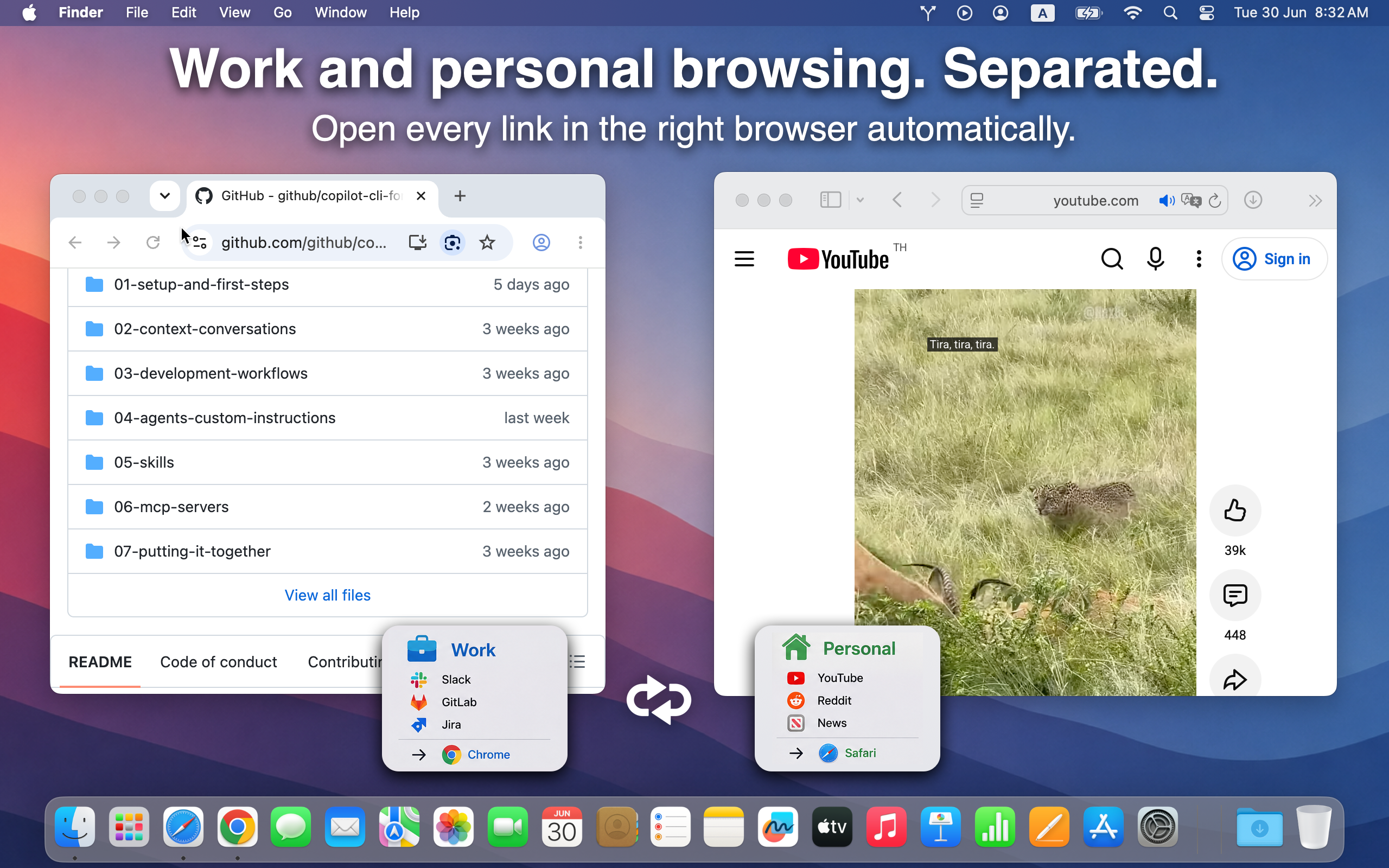
Work and personal browsing. Separated.
Slack and GitHub in Chrome. YouTube in Safari. Every link opens in the right browser — automatically.
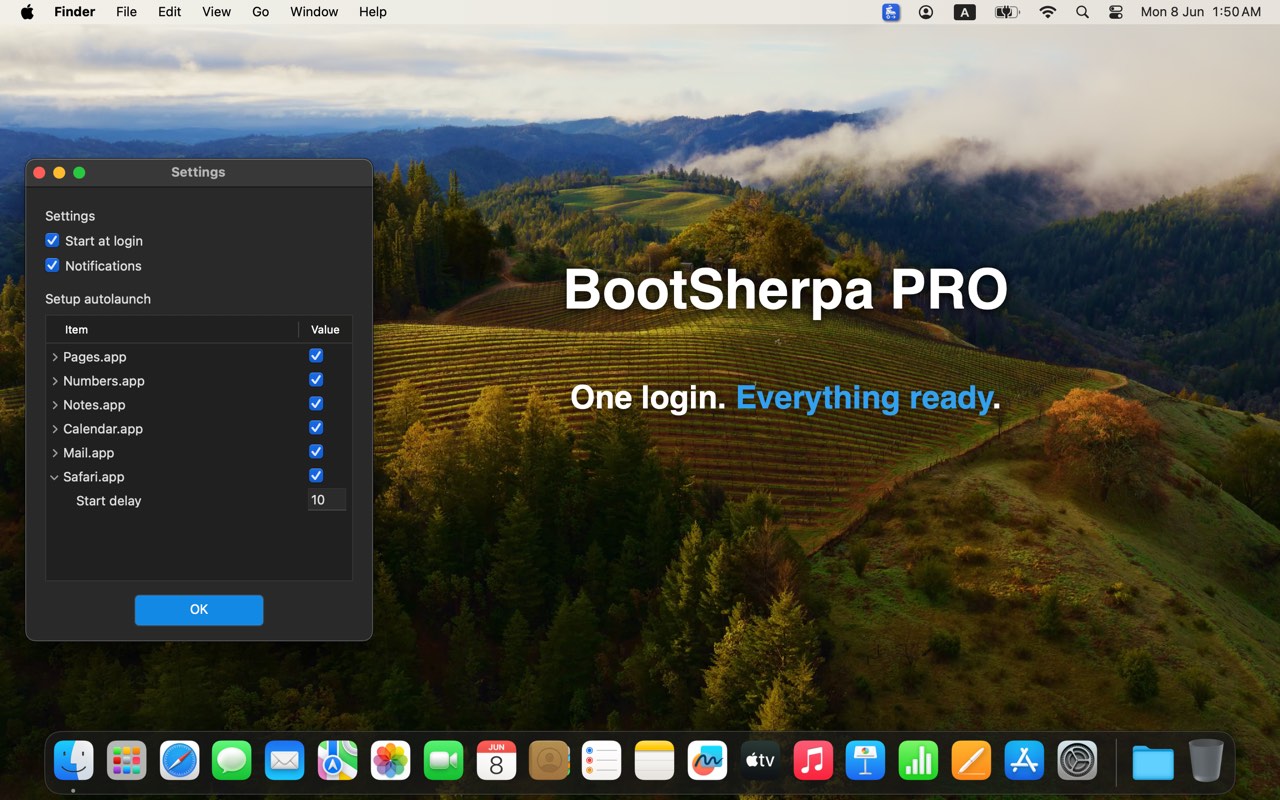
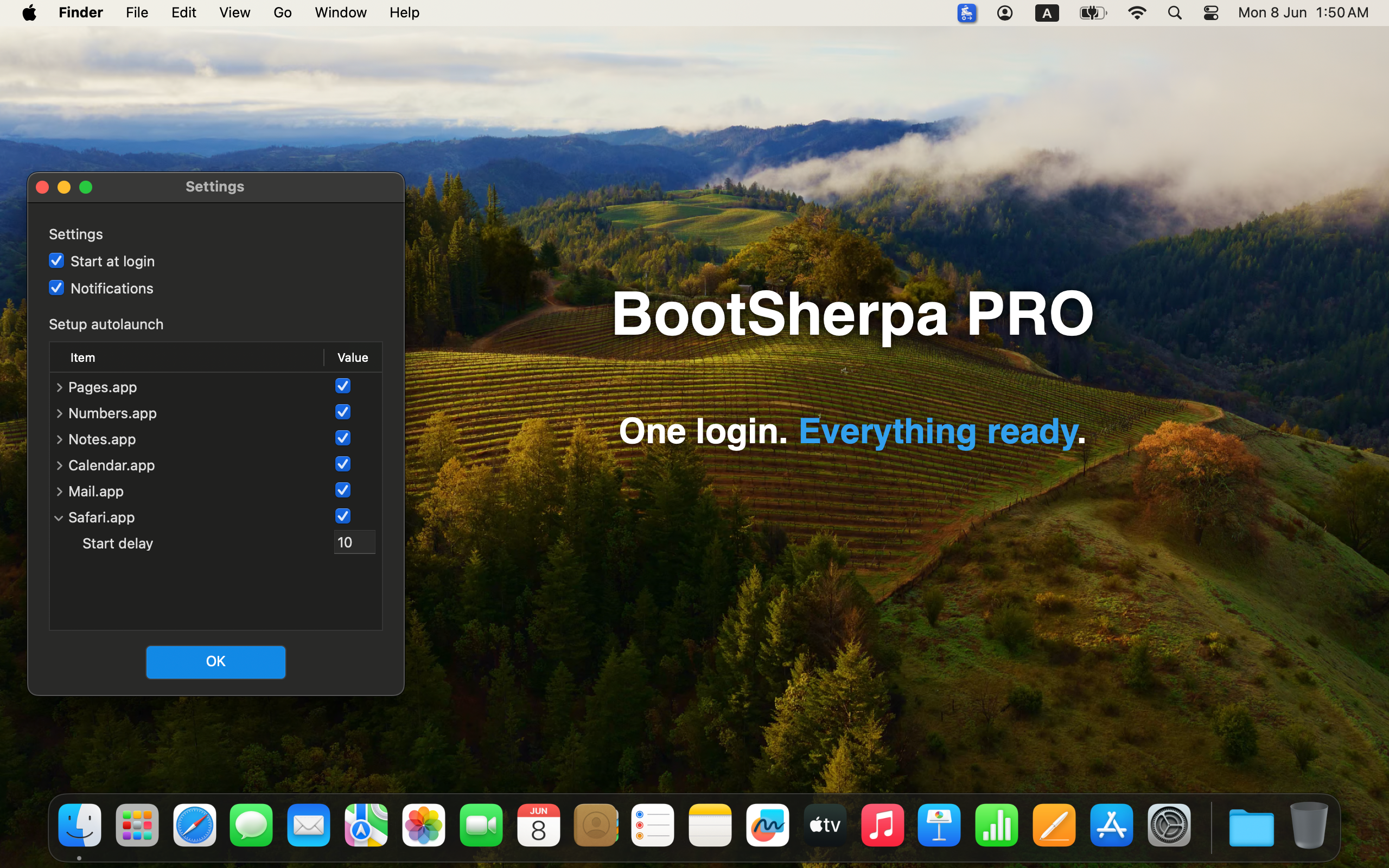
Open apps at login
Define a list of apps, files, folders, and URLs to open when you sign in to macOS. Optional delay per item.
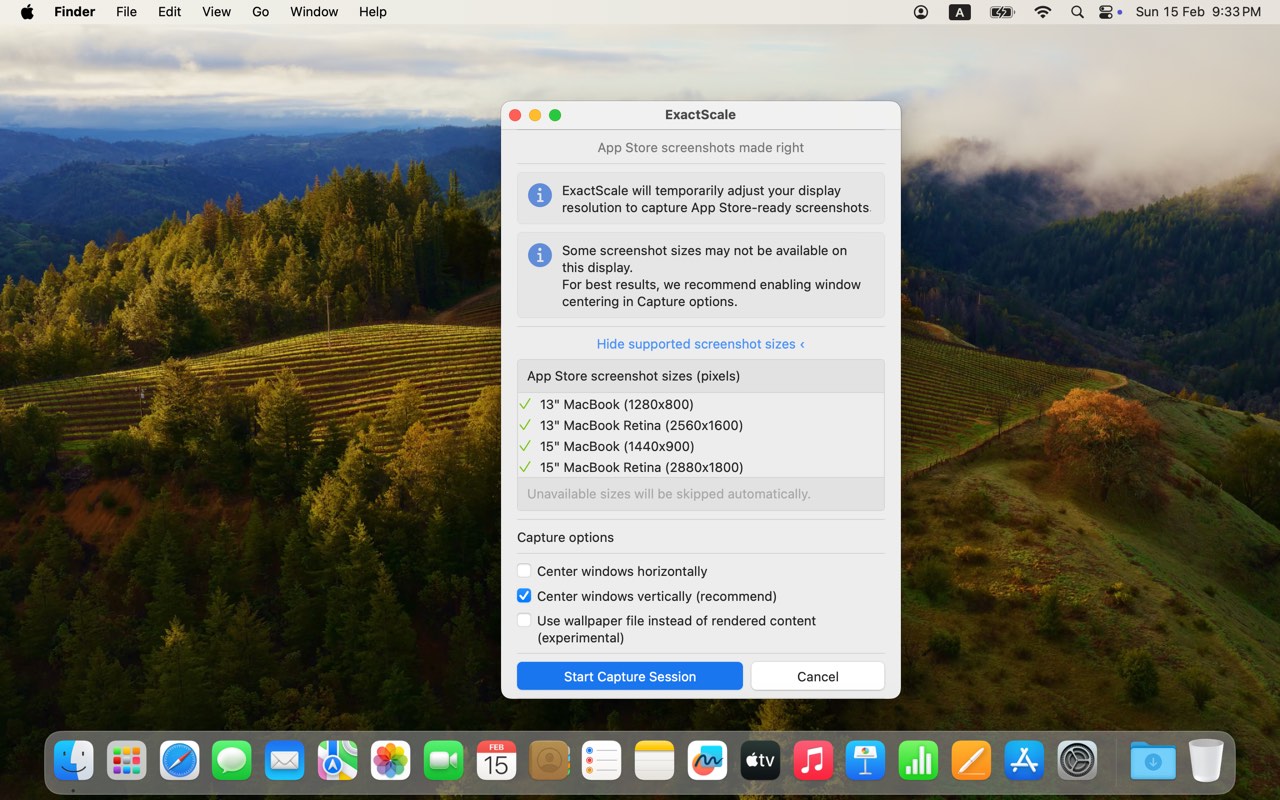
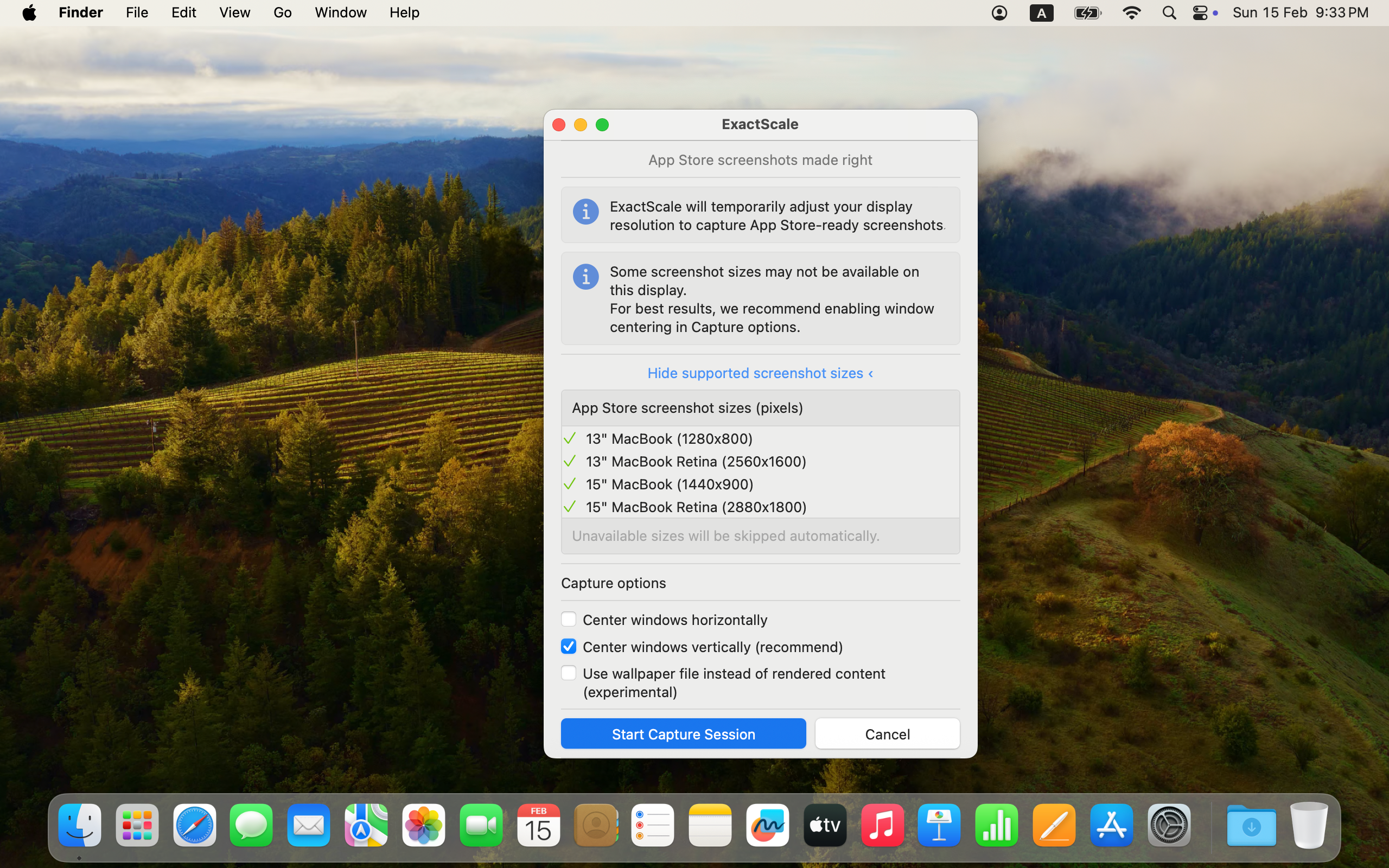
App Store Screenshots with Precision
Capture pixel-perfect App Store screenshots in the required resolutions. No templates. No hassle.
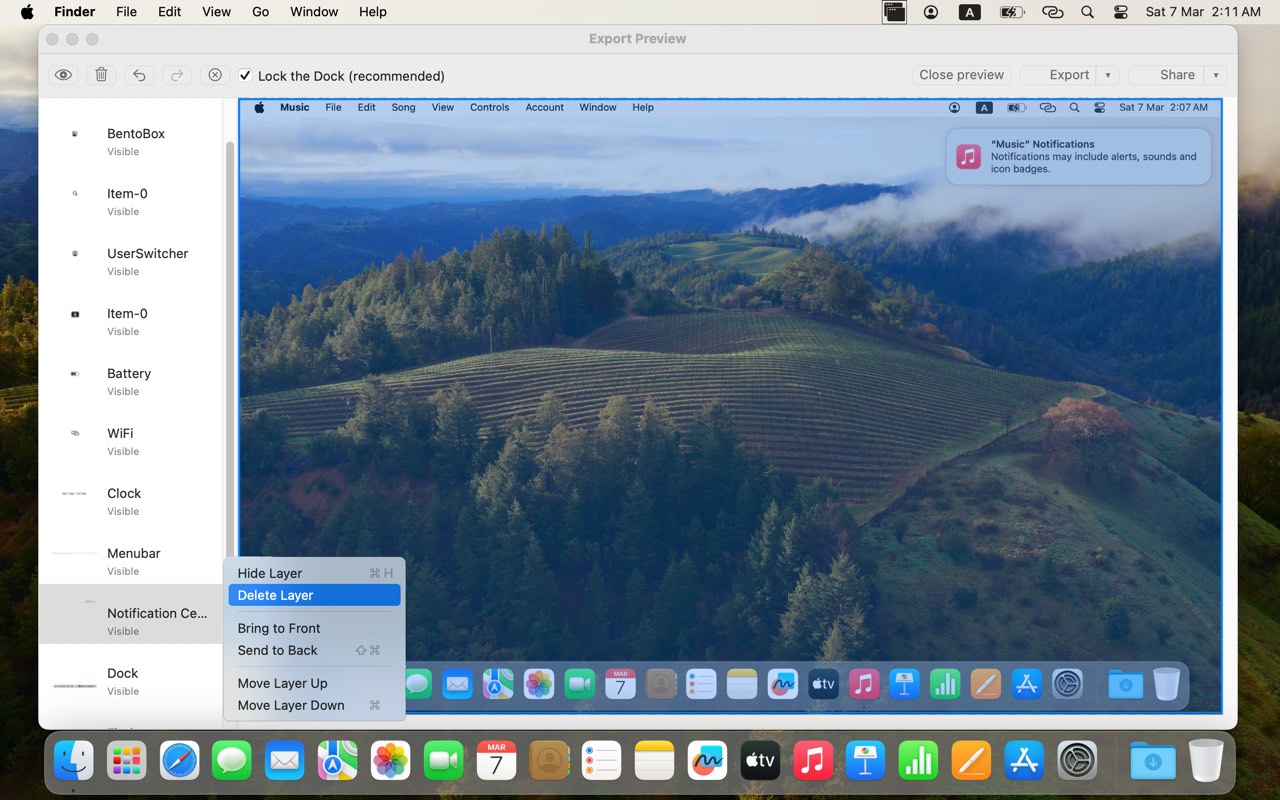
Editable Screenshots for macOS
Capture the screen as a structured scene. Remove distractions, move UI elements, export layered PSD files.
We build small native macOS apps. Each one is focused on a single task — screenshots, photo viewing, collages, Finder tools, file managers, shortcuts, login items, browser routing, file sharing, archives, or similar everyday work on a Mac.
Some apps are aimed at developers and designers; others fit anyone who uses macOS daily. No accounts, no cloud — the apps run on your Mac.
 Sidera Vires
