Share via Bluetooth

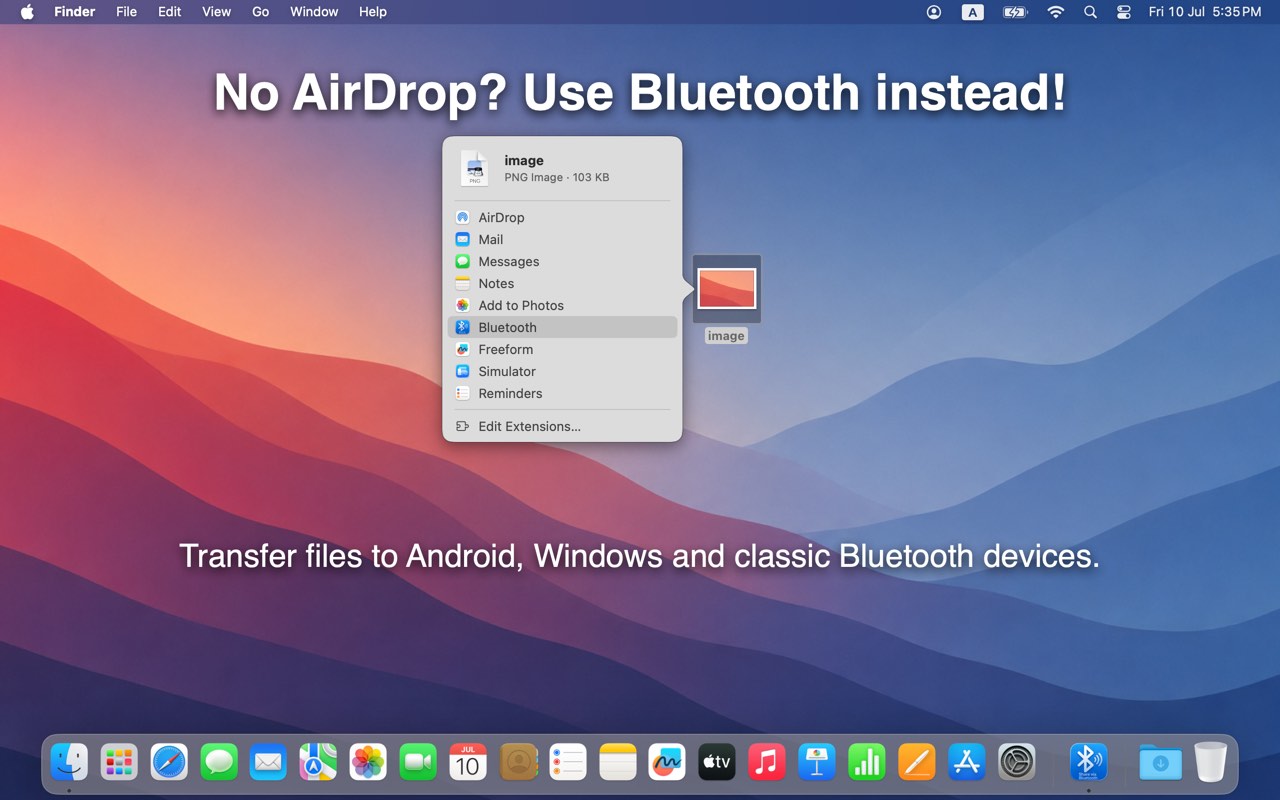
No AirDrop? Use Bluetooth instead.

Transfer files to Android, Windows, and classic Bluetooth devices — right from the macOS Share menu. No cables. No cloud.

Download on the Mac App Store

Available on the Mac App Store. No account required.

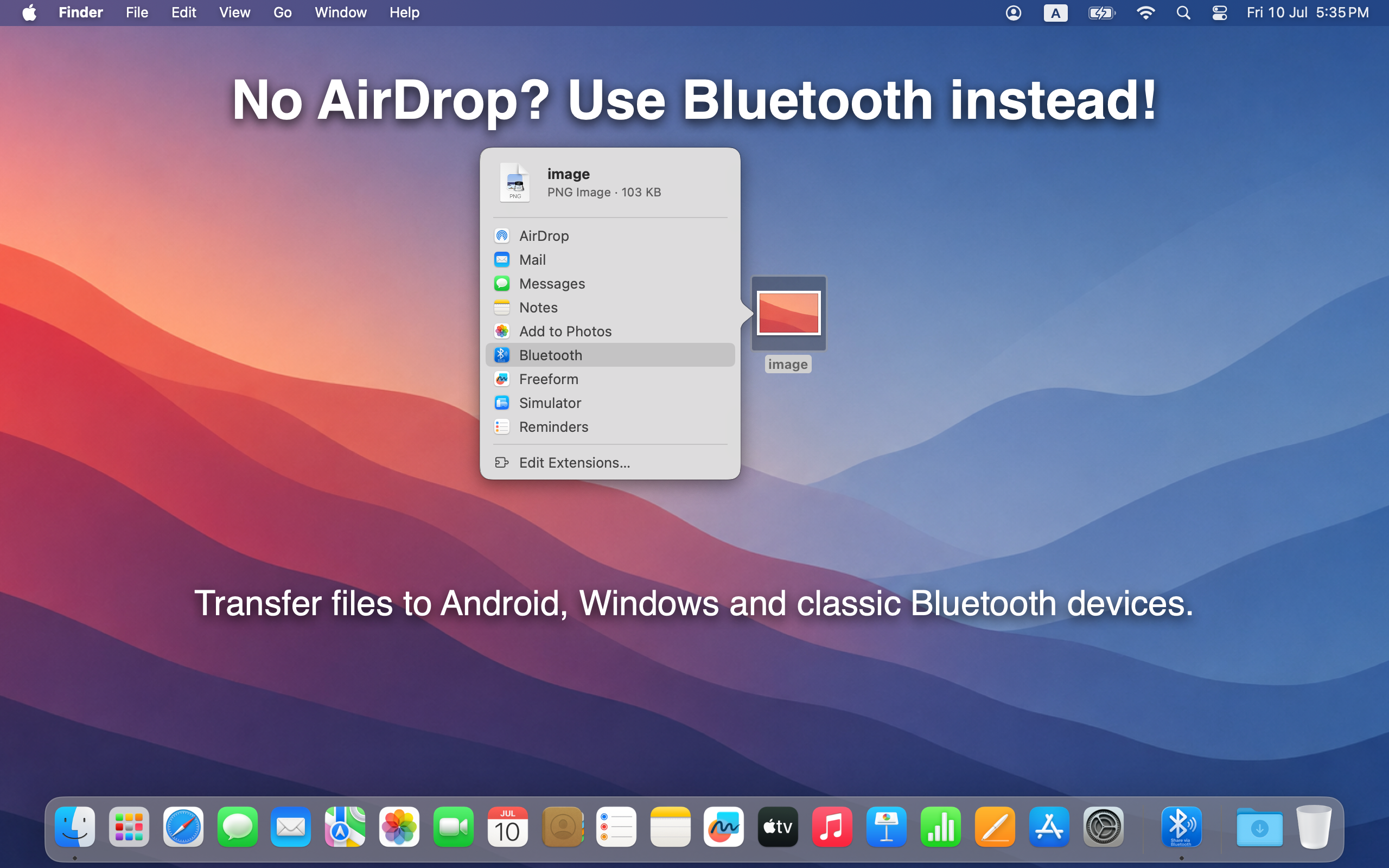
Bluetooth option in the macOS Share menu

Pick any paired device.

Choose from phones, tablets, laptops, or anything else already paired over Bluetooth — Android, Windows, Steam Deck, older handsets. Select and send in seconds.

Works with classic Bluetooth file transfer (OBEX), so devices without AirDrop still get the file.
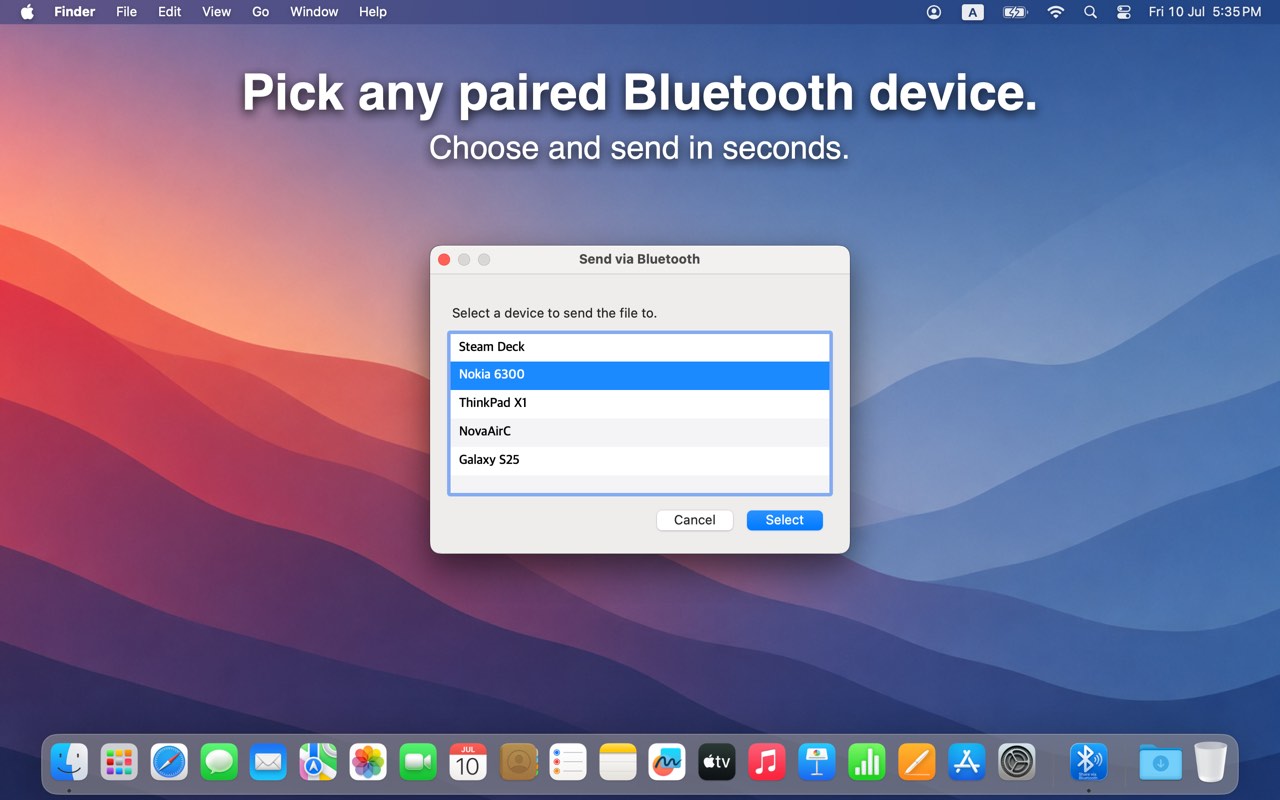
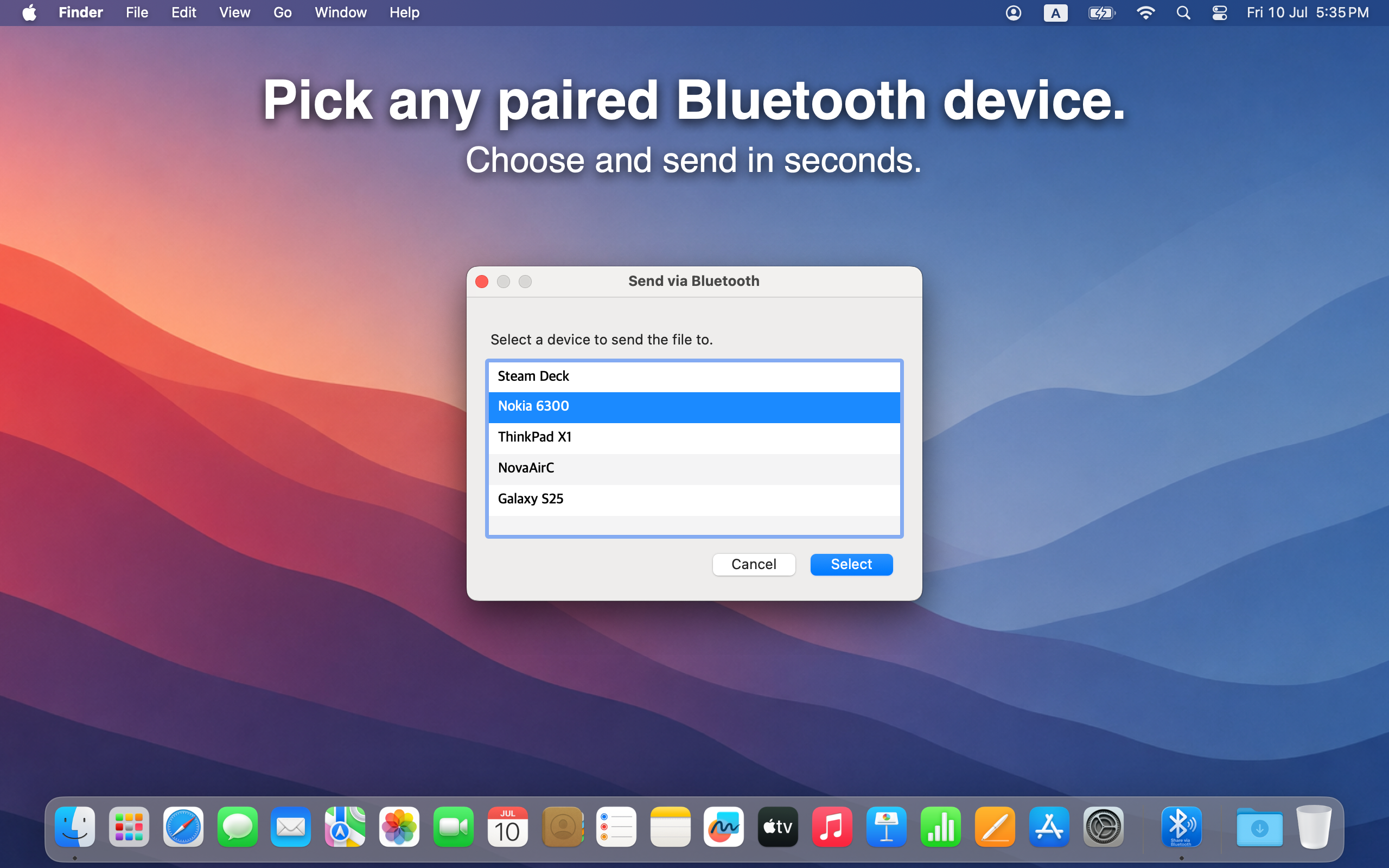
Select a paired Bluetooth device to send the file

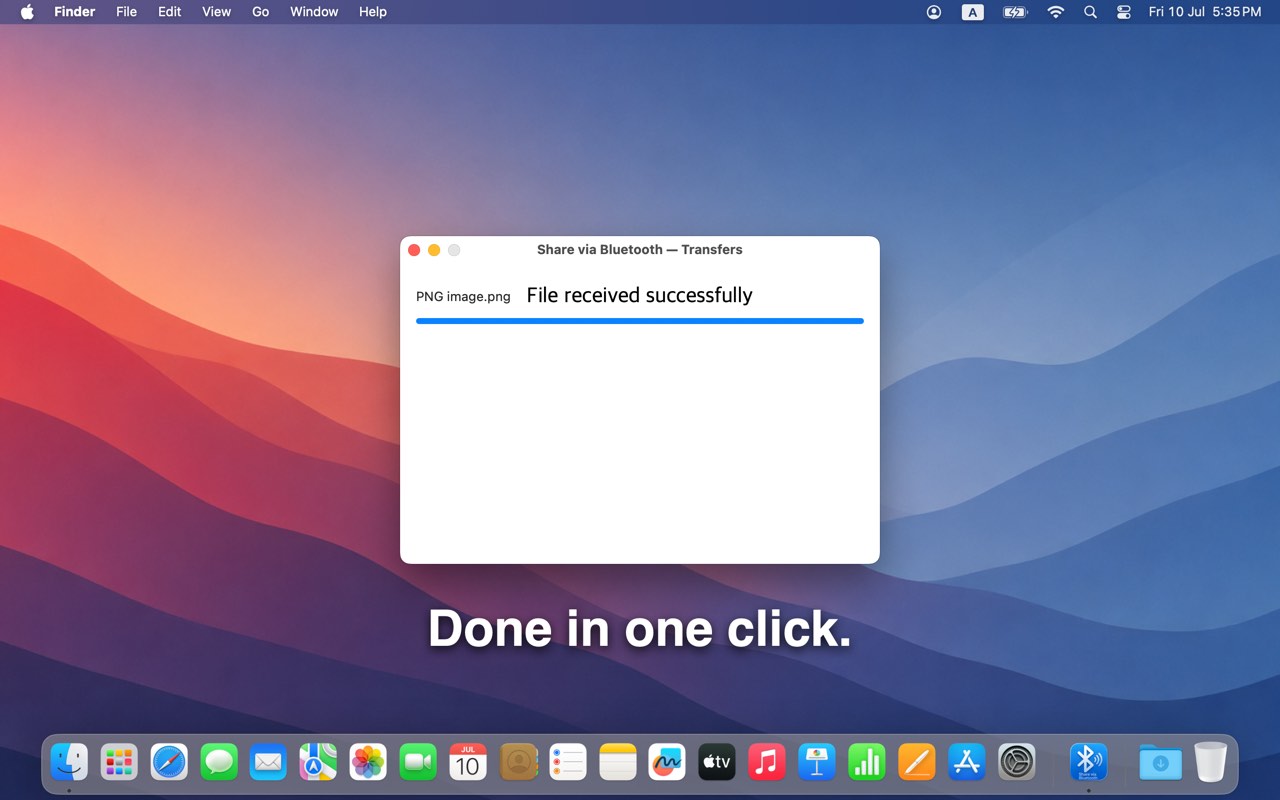
Done in one click.

Share from Finder or any app that uses the Share menu. Pick Bluetooth, choose a device, and watch the transfer finish — no cables, no upload, no extra apps on the other side.

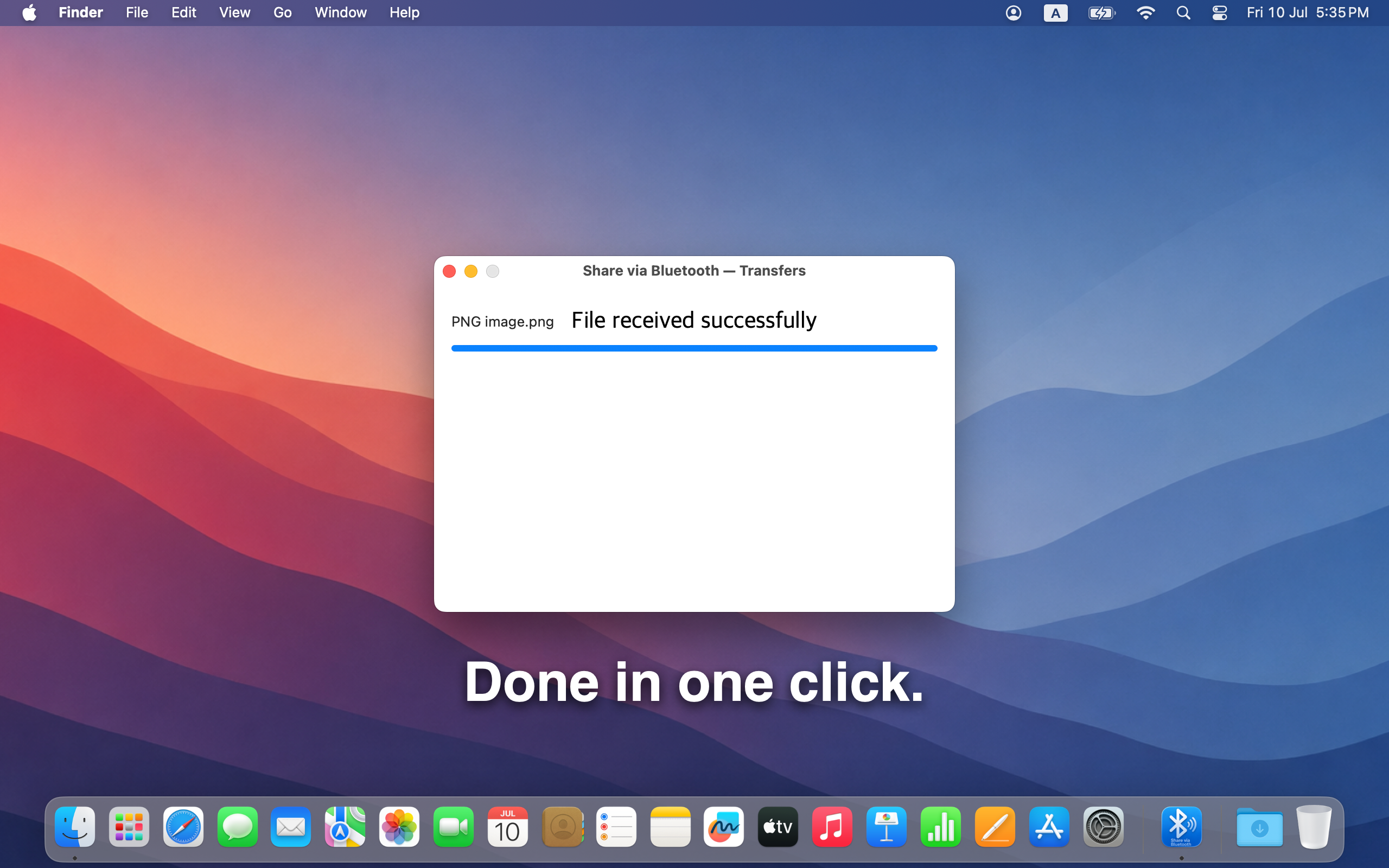
File received successfully over Bluetooth

Everything else

Share files over Bluetooth.

Available on the Mac App Store. Requires macOS 10.13 or later.

Download on the Mac App Store

Available on the Mac App Store. No account required.