 Sidera Vires
Share, convert, print.
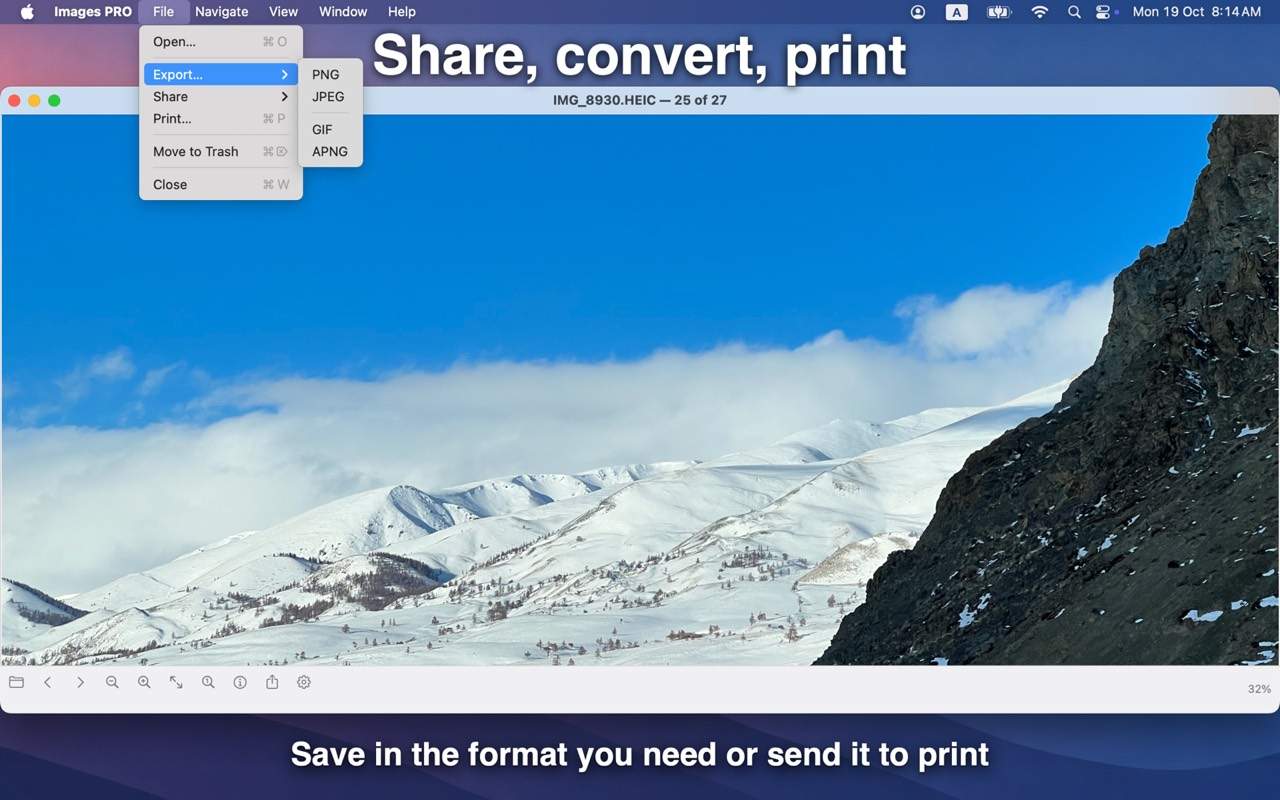
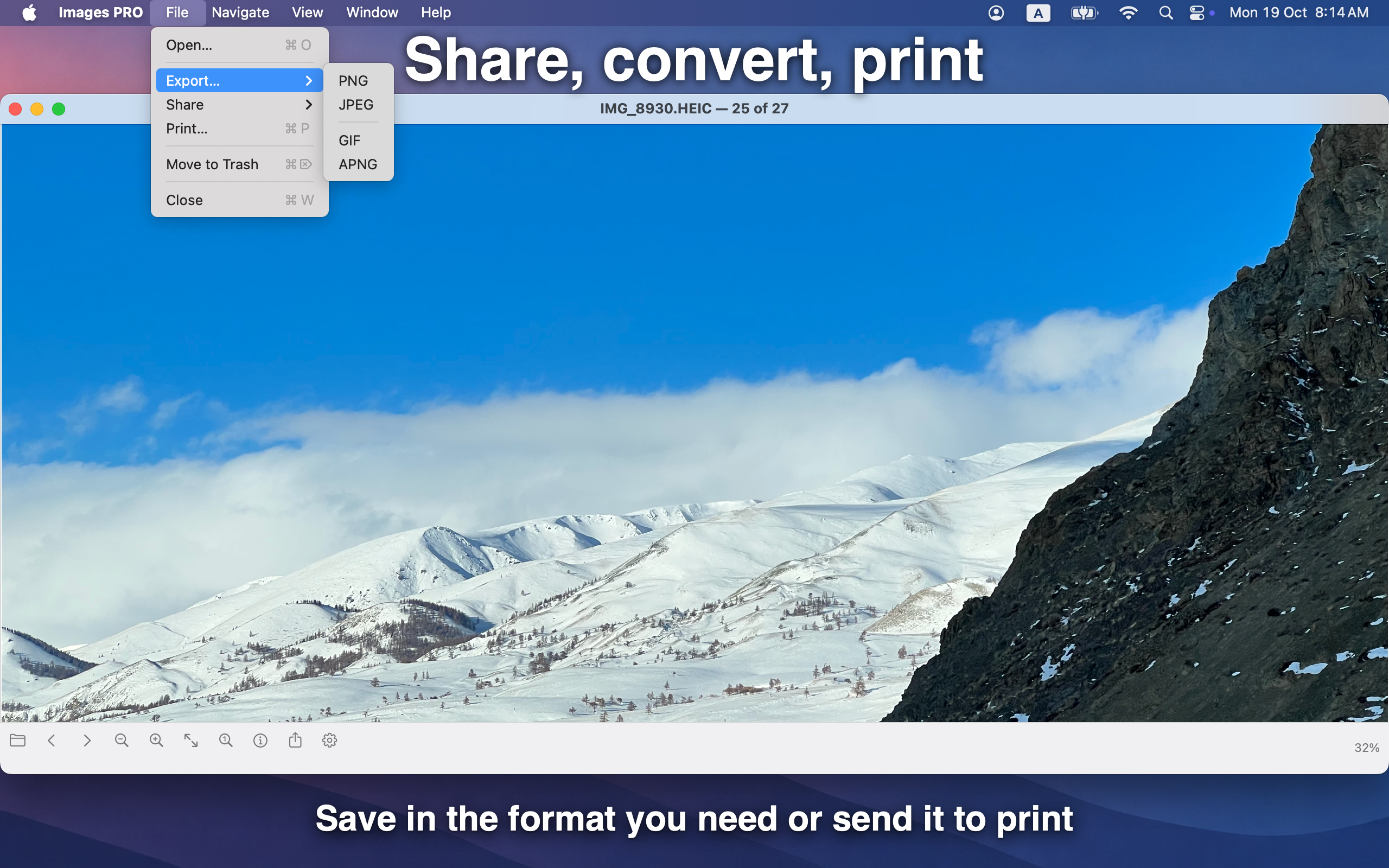
Save in the format you need or send it to print. Export to PNG, JPEG, GIF, or APNG, share with the system Share sheet, or print the current image.
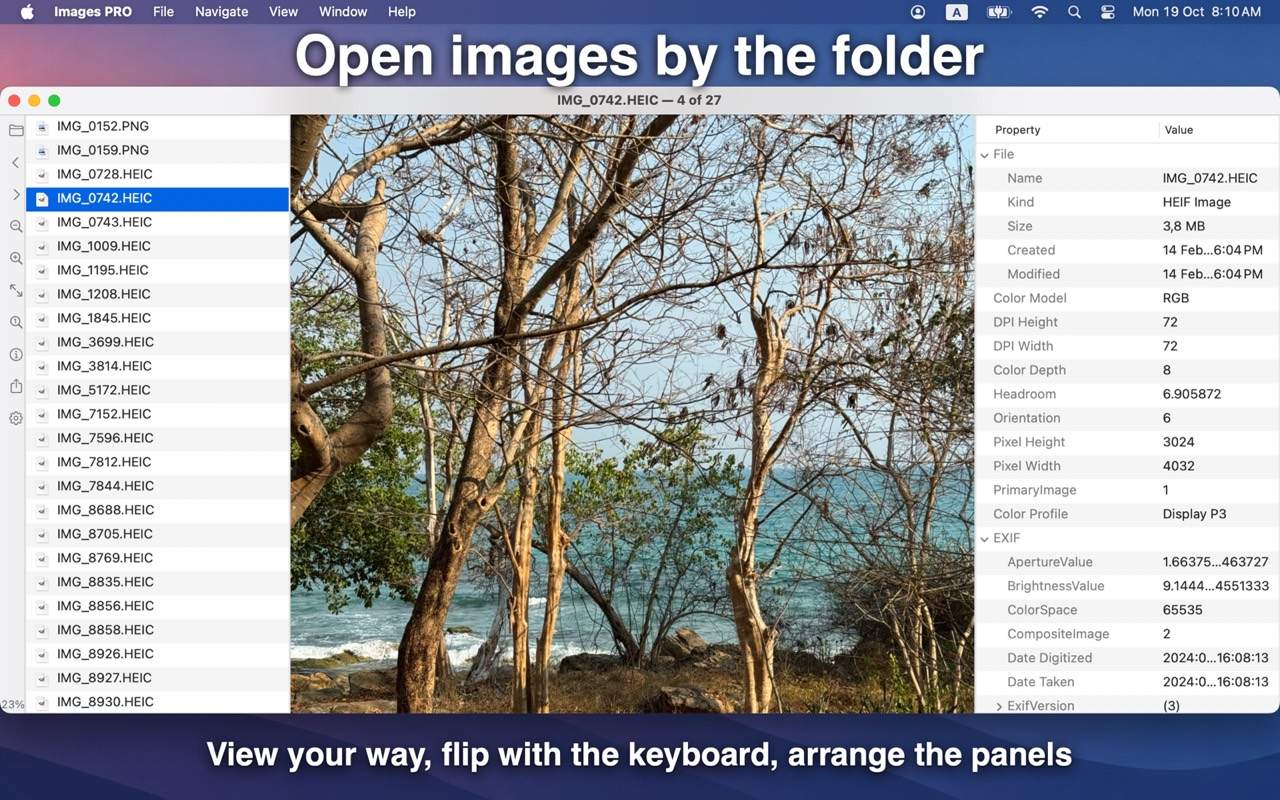
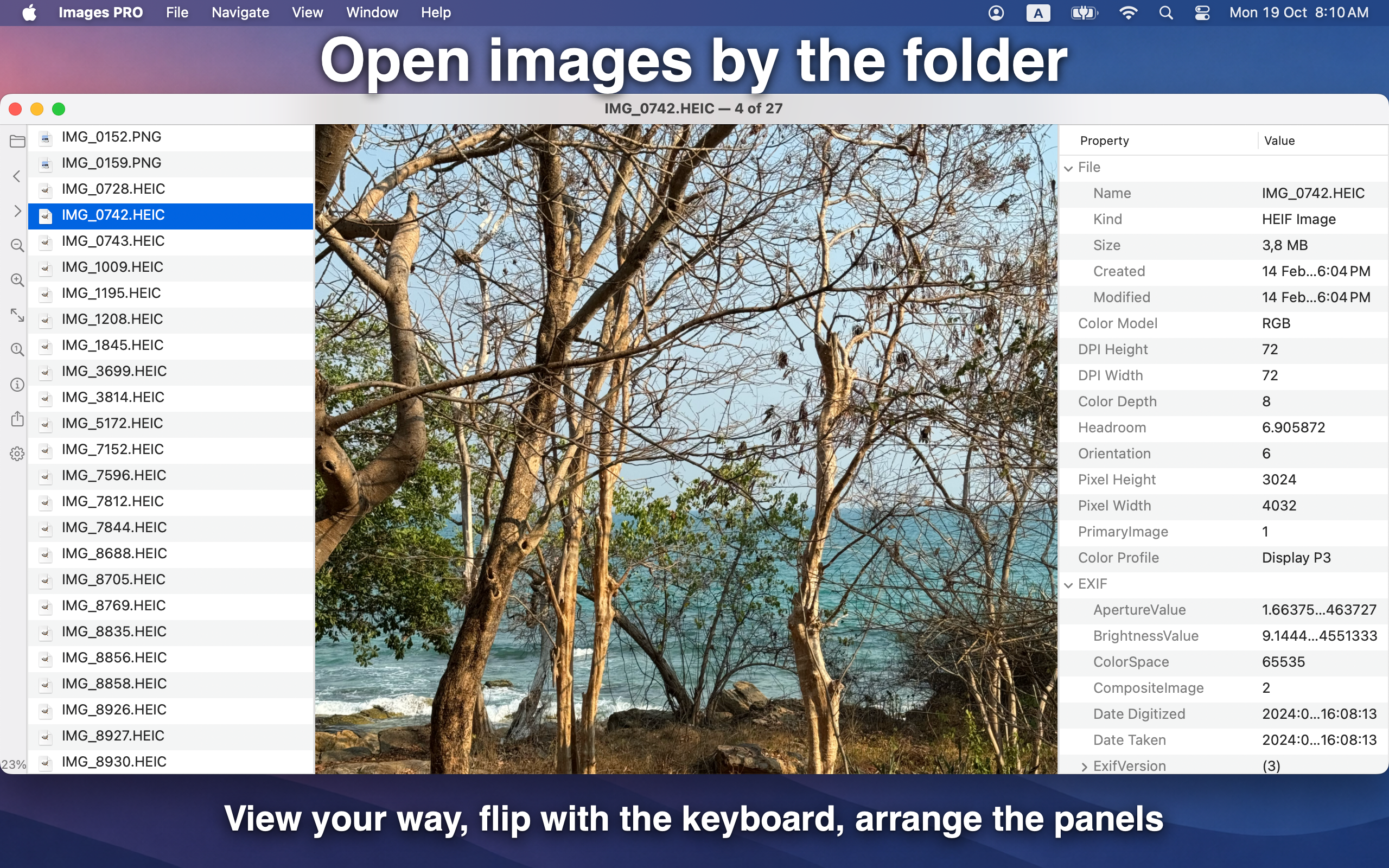
View your way — flip with the keyboard, arrange the panels. A catalog on one side, a large preview in the center, and properties when you need them.

Save in the format you need or send it to print. Export to PNG, JPEG, GIF, or APNG, share with the system Share sheet, or print the current image.
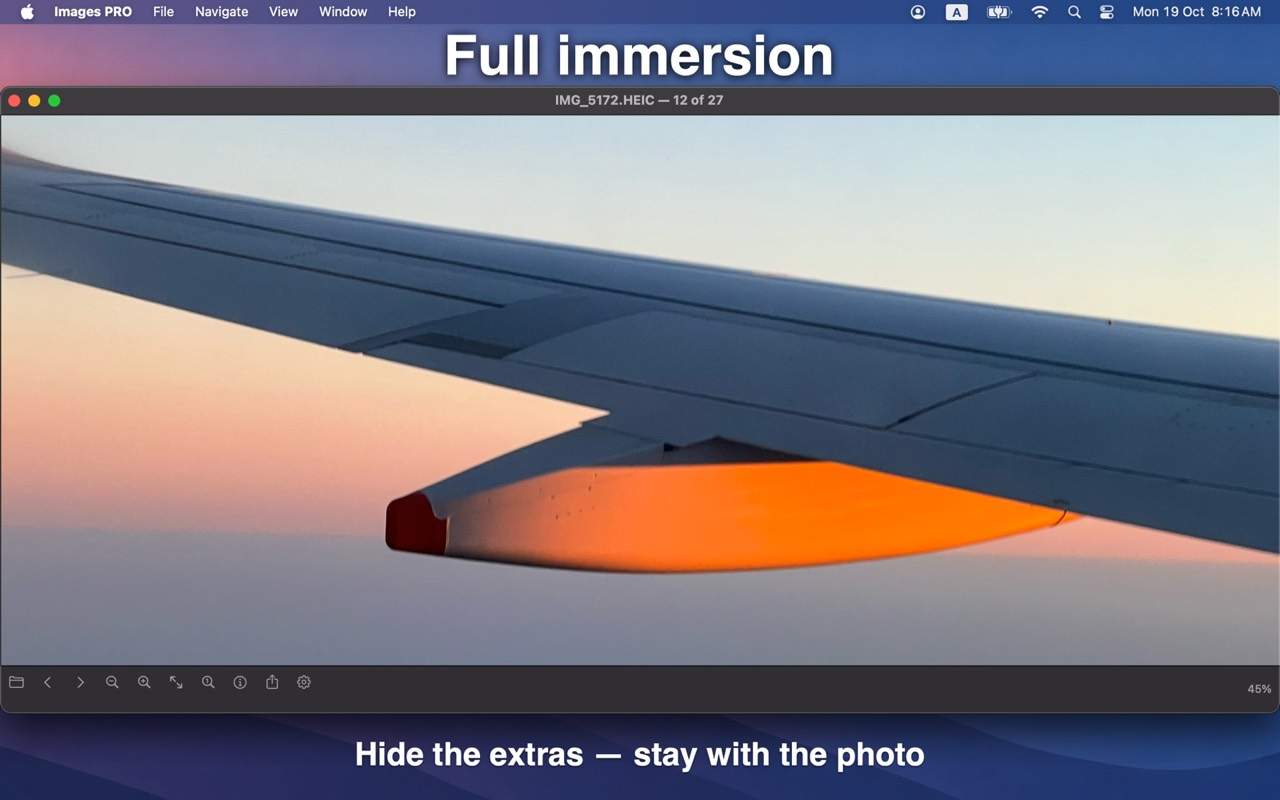
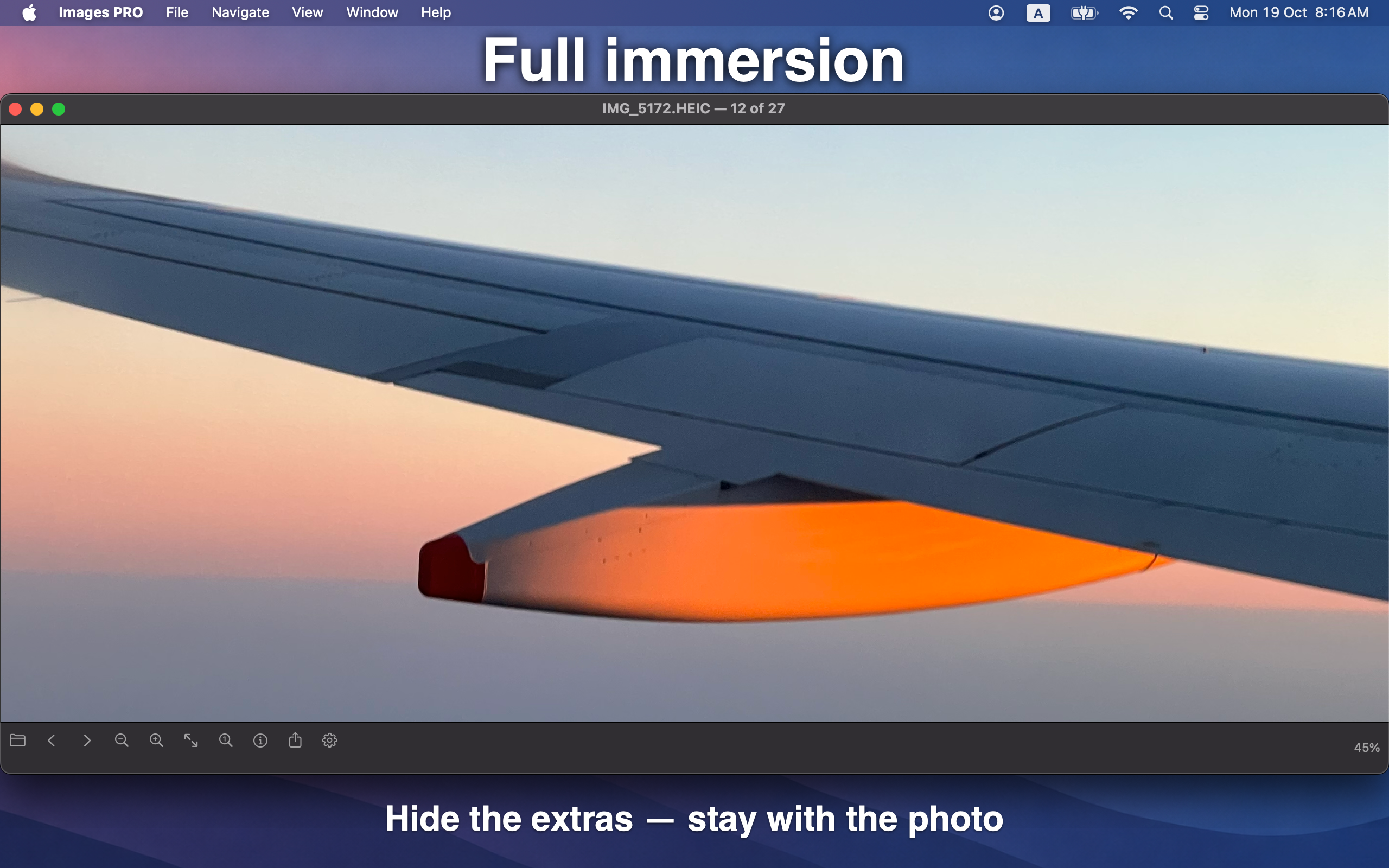
Hide the extras — stay with the photo. Fit, fill, or set your own scale, then step through the folder from the keyboard.
Available on the Mac App Store. Requires macOS 10.12 or later.