BootSherpa Pro

Open your apps at login

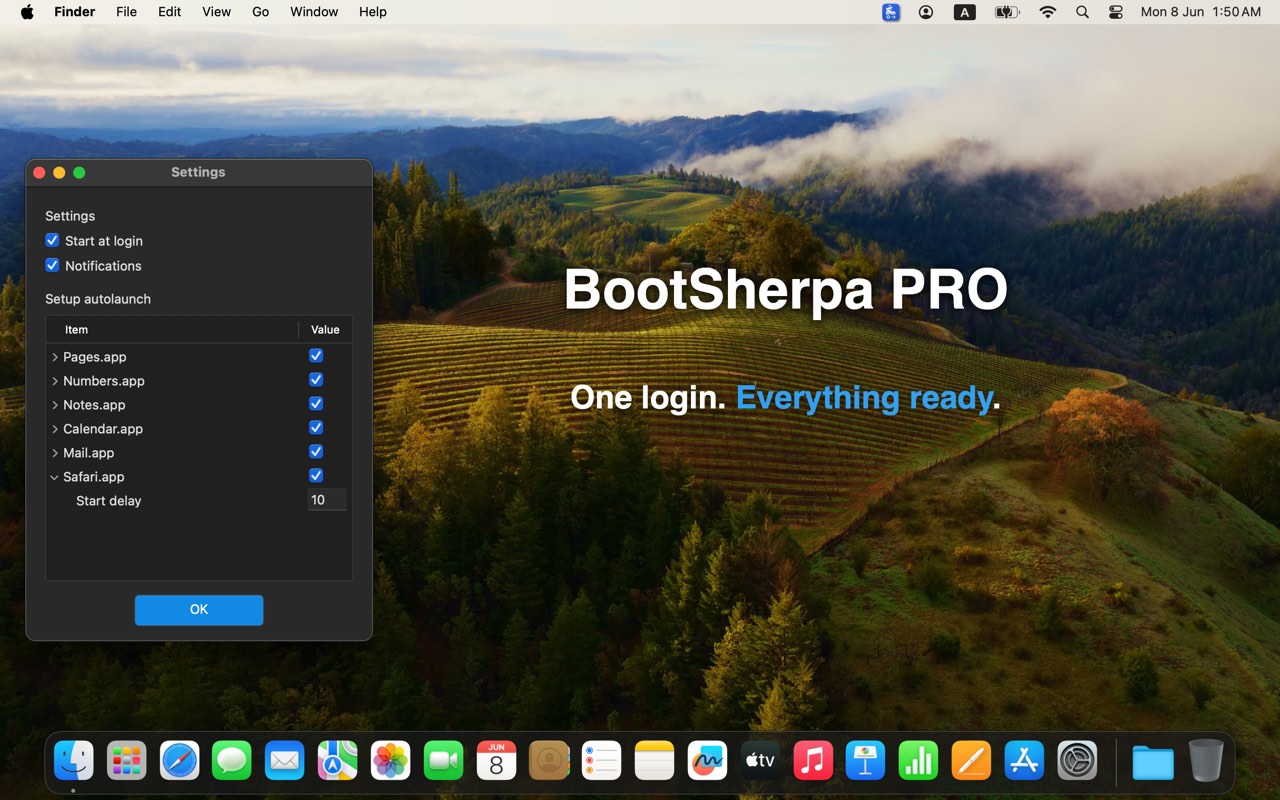
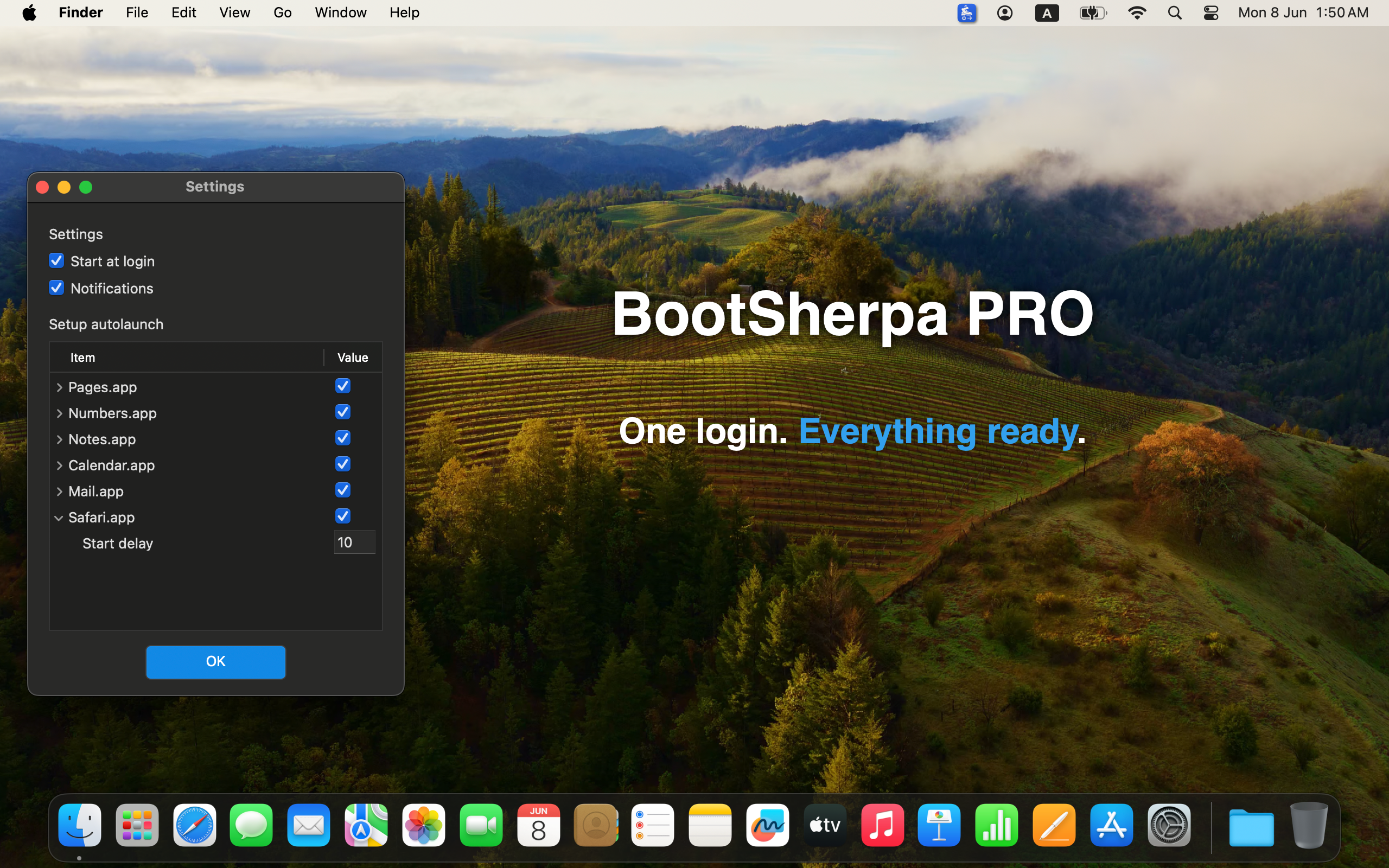
BootSherpa Pro runs a list of applications, files, folders, and URLs when you sign in to macOS. You choose what opens and set an optional delay for each item.

Climb faster. Start everything automatically.

Download on the Mac App Store

Available on the Mac App Store. No account required.

BootSherpa Pro startup workflow settings

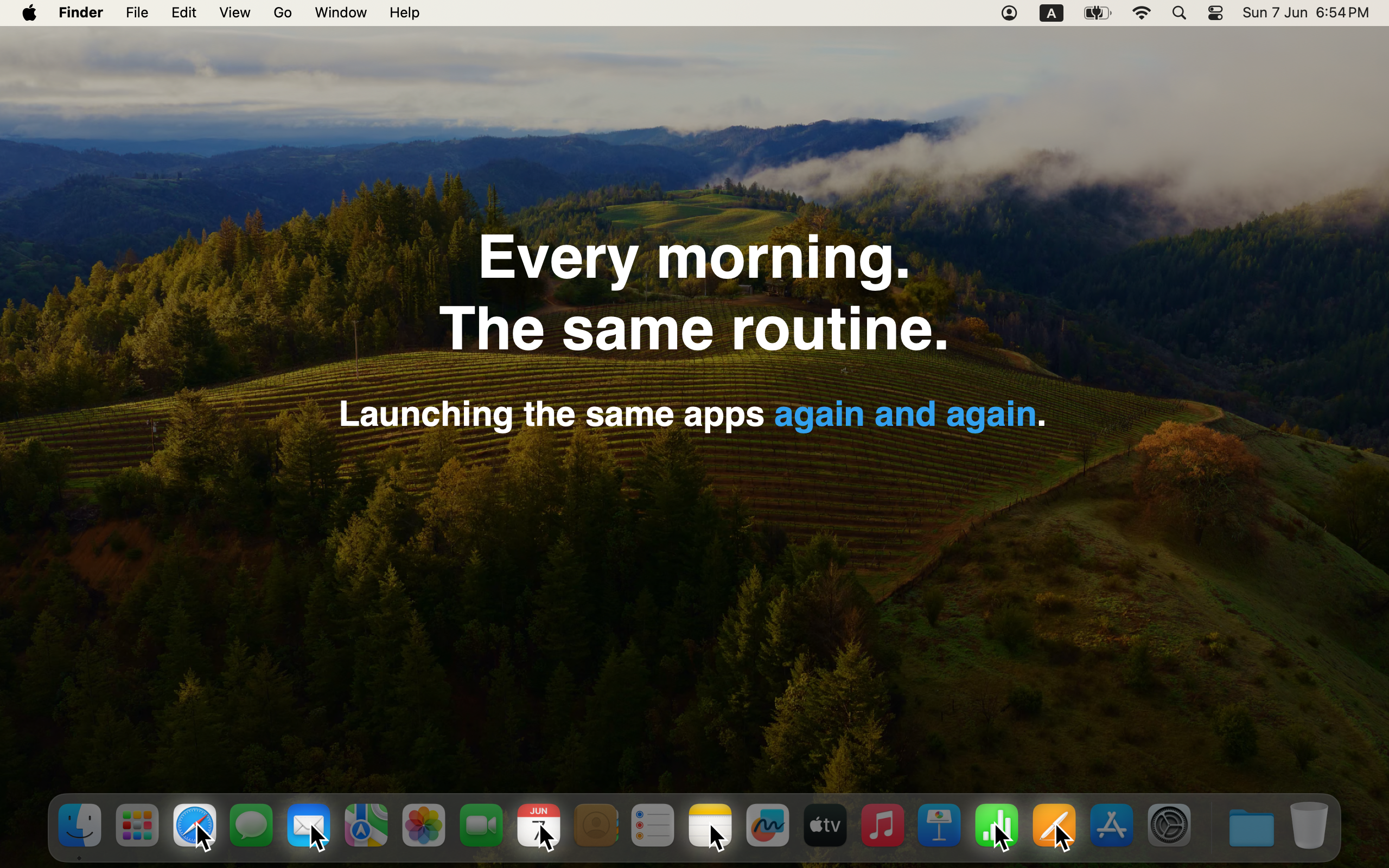
Tired of this?

  • Opening the same apps by hand every morning
  • Clicking through Safari, Mail, Xcode, Terminal, or project folders one by one
  • No way to stagger launches — everything opens at once, or nothing does
  • Login Items in System Settings spread across apps, with no shared list
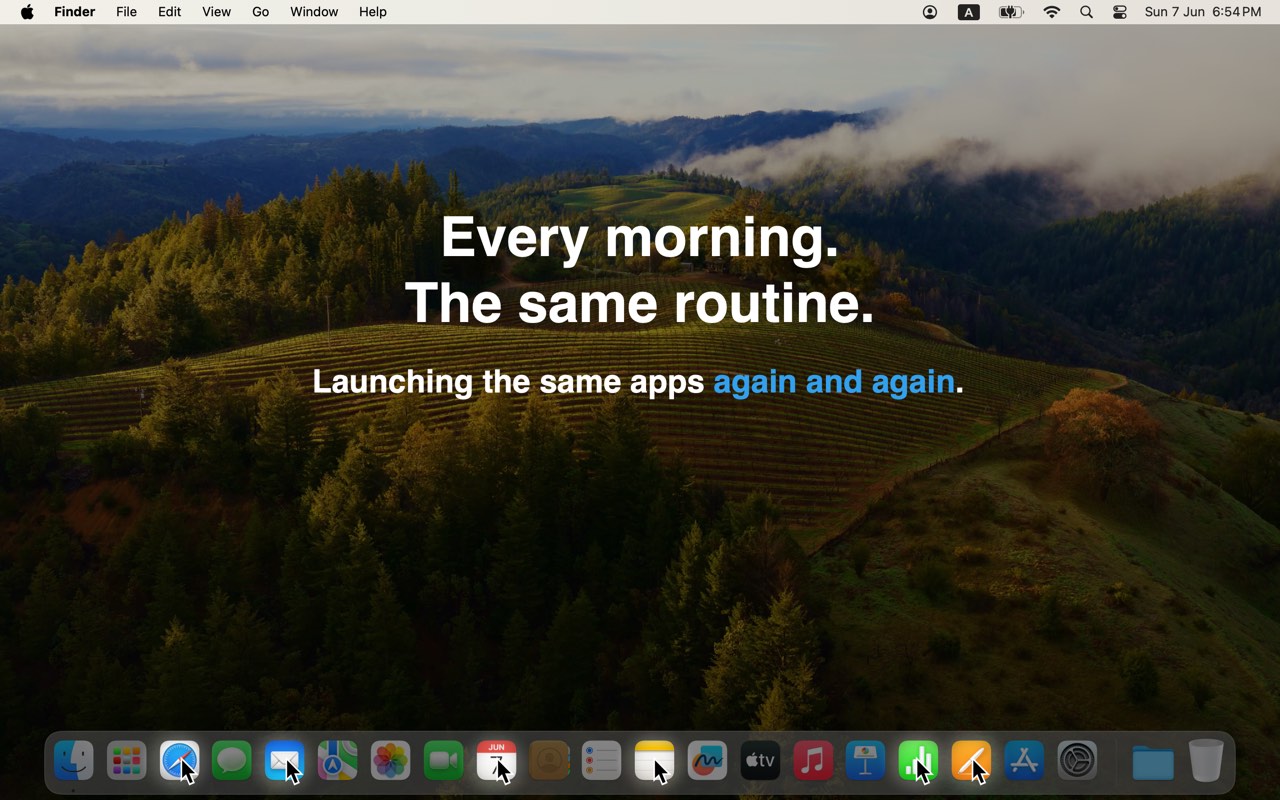
Repeating the same app launch routine every morning

How it works

1

Add apps, files, folders, and URLs

Add apps, files, folders, and URLs to autolaunch
2

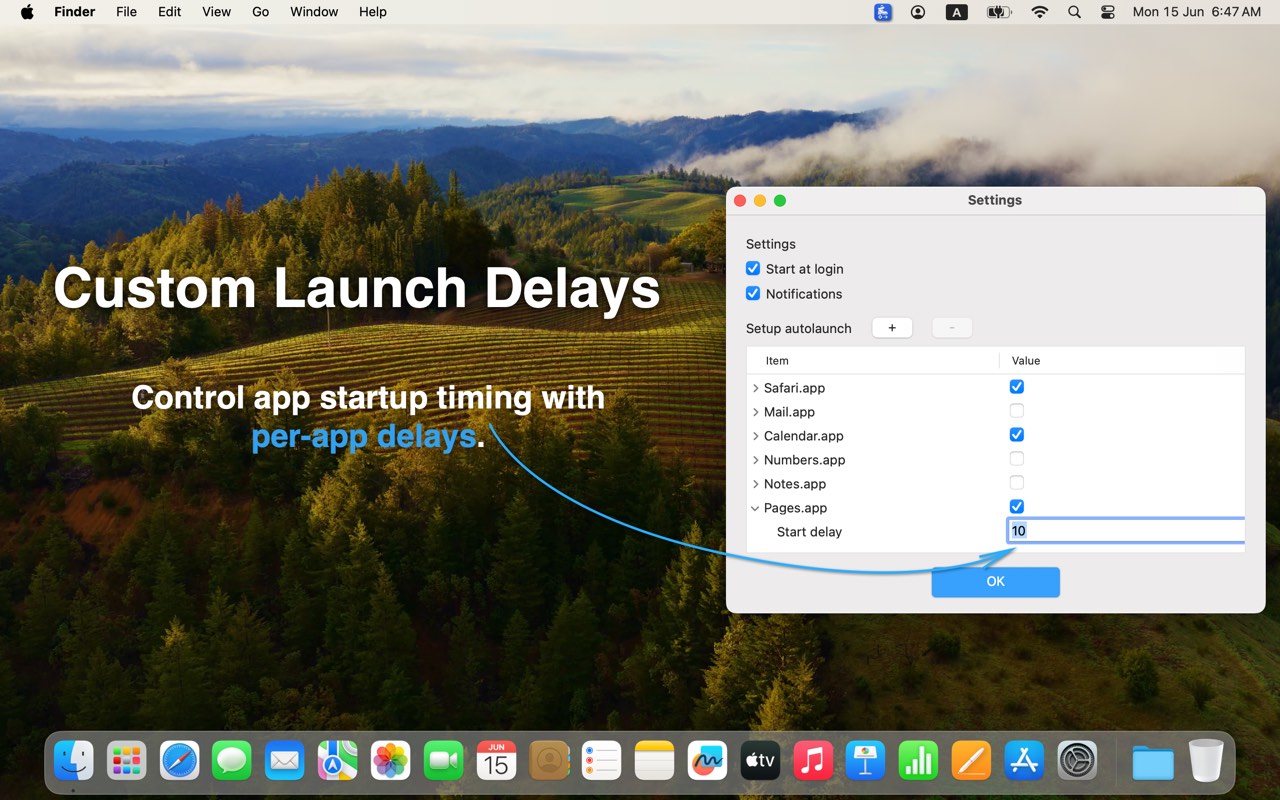
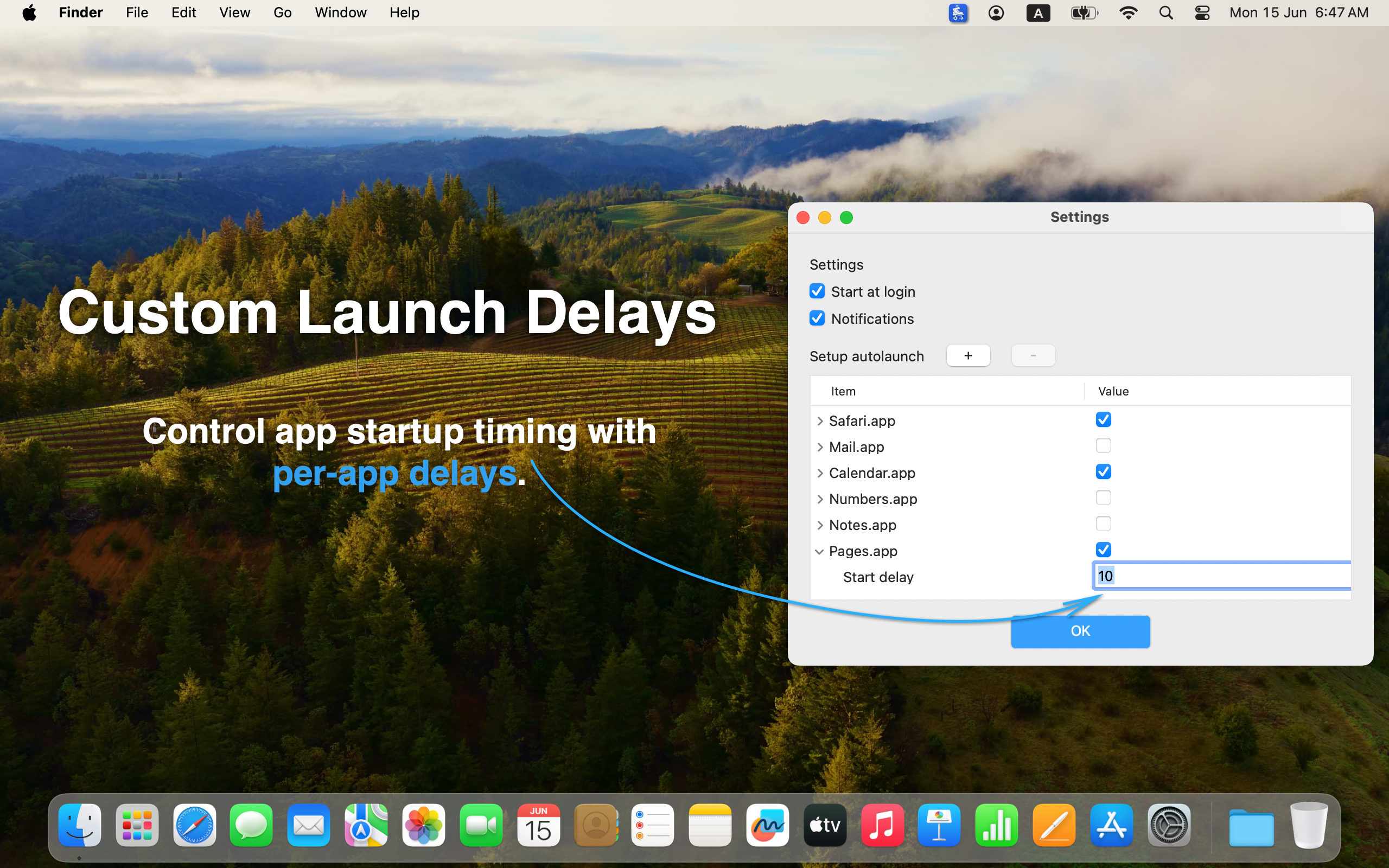
Set a delay per item

Custom launch delays for each startup item
3

Sign in — the list runs

Your workspace ready at login

Details

Typical use

If your day starts with the same set of tools — a browser, mail, Xcode, Terminal, Docker, or a project folder — you can define that set once and let macOS open it at sign-in.

BootSherpa Pro is a small utility for one job: managing what opens when you log in.

BootSherpa Pro

Available on the Mac App Store. Requires macOS 10.12 or later.

Download on the Mac App Store

Available on the Mac App Store. No account required.