Browser Relay

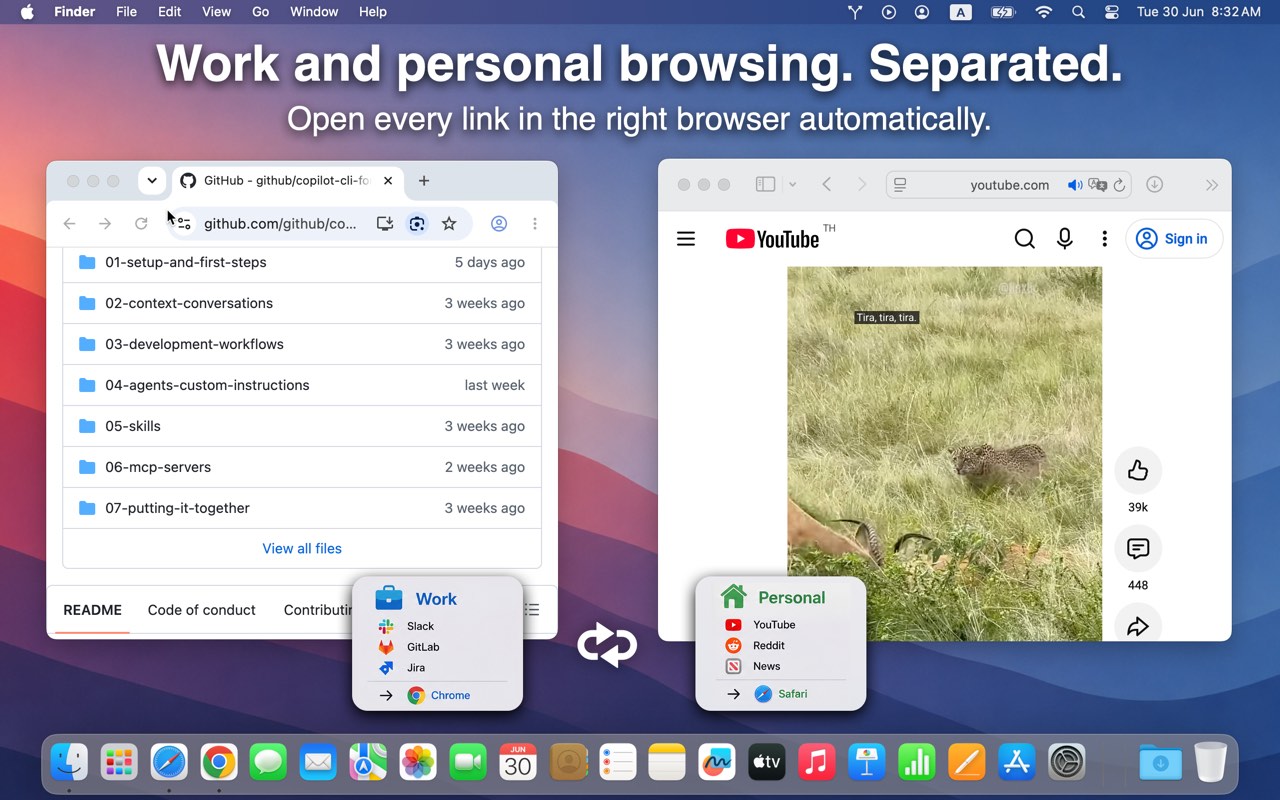
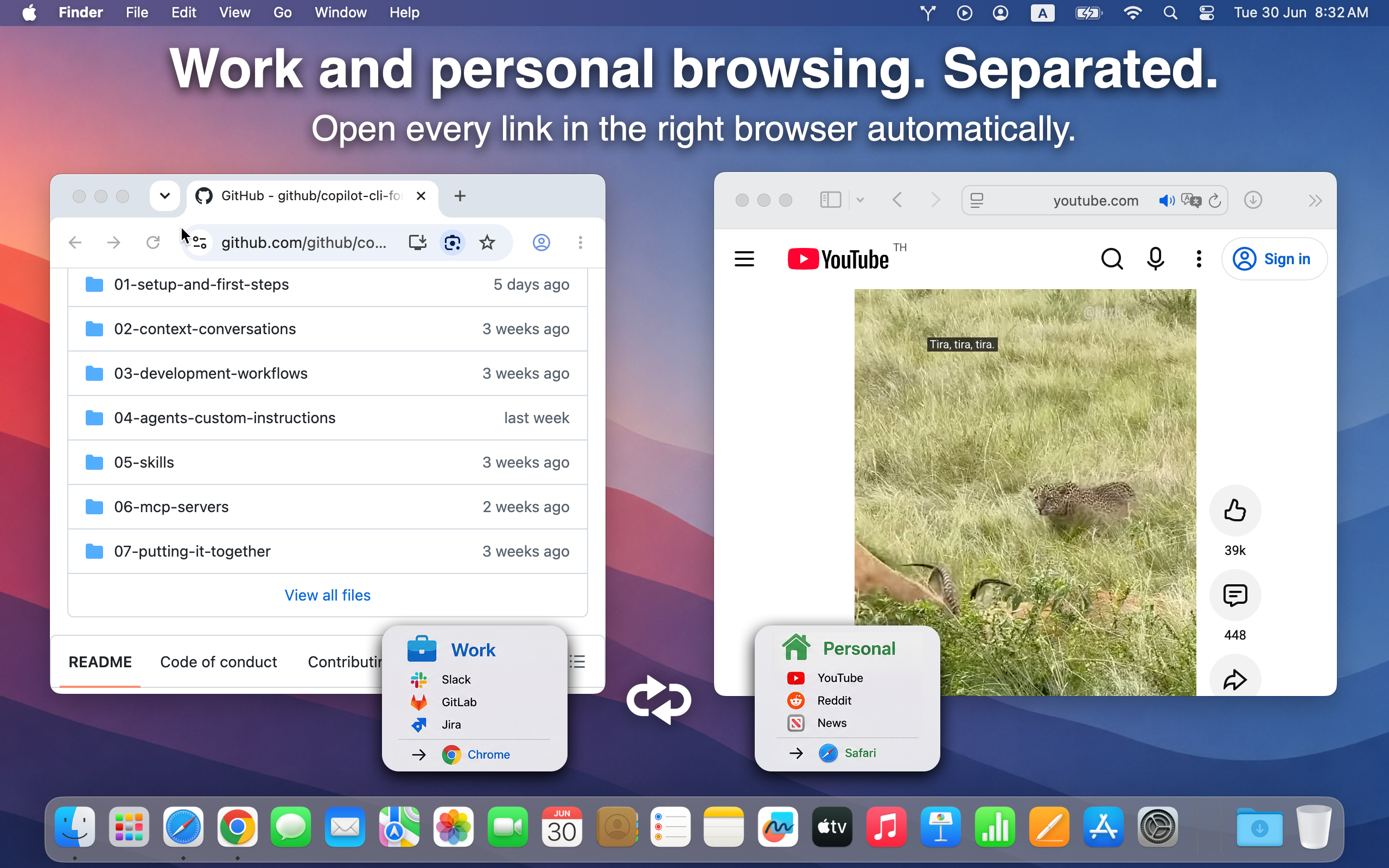
Work and personal browsing. Separated.

Open every link in the right browser — automatically. Slack and GitHub in Chrome. YouTube and Reddit in Safari. No copy-paste.

Download on the Mac App Store

Available on the Mac App Store. No account required.

Work links open in Chrome, personal links in Safari

Teach once. Remember forever.

Learning Mode asks which browser to use when you open a link from a new site. Check Remember for this site — Browser Relay handles every future link from that domain.

Need finer control? Route different pages on the same site to different browsers with expression rules on the Rules tab.
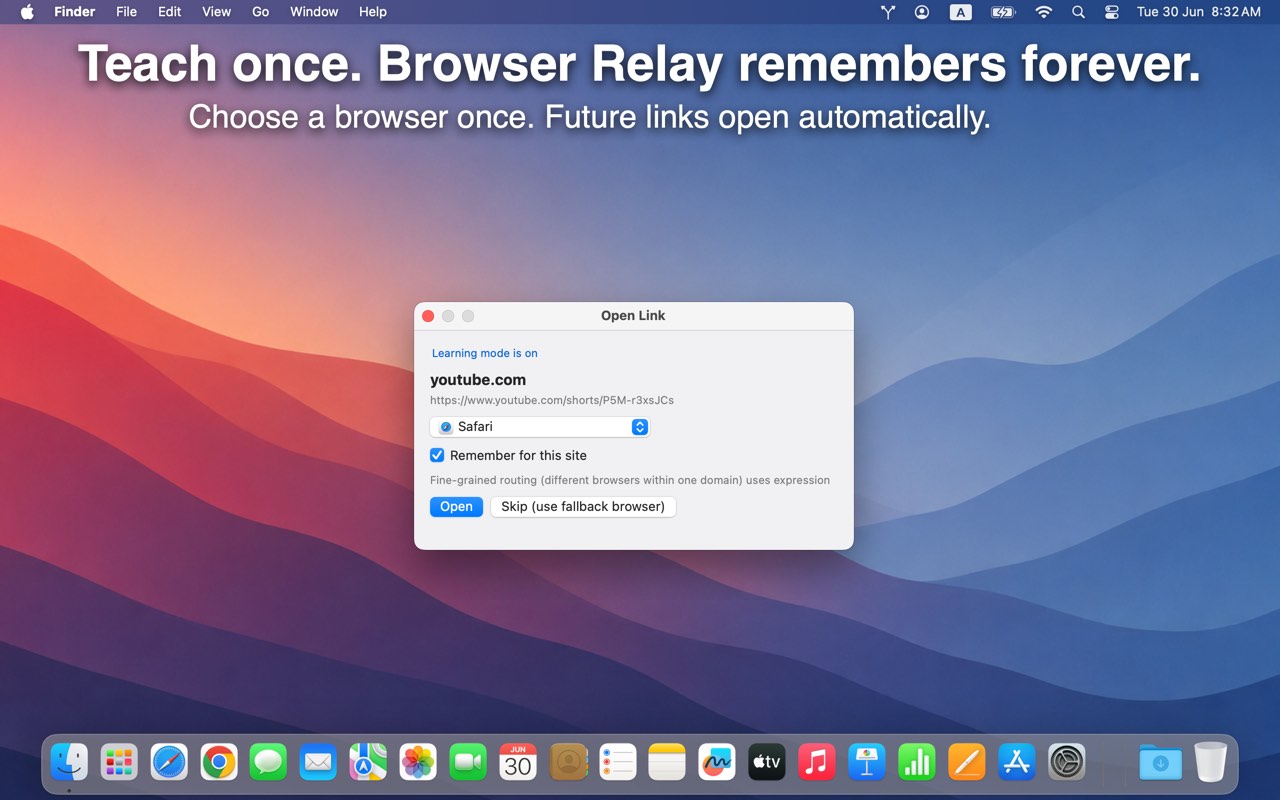
Learning Mode dialog — choose a browser and remember for this site

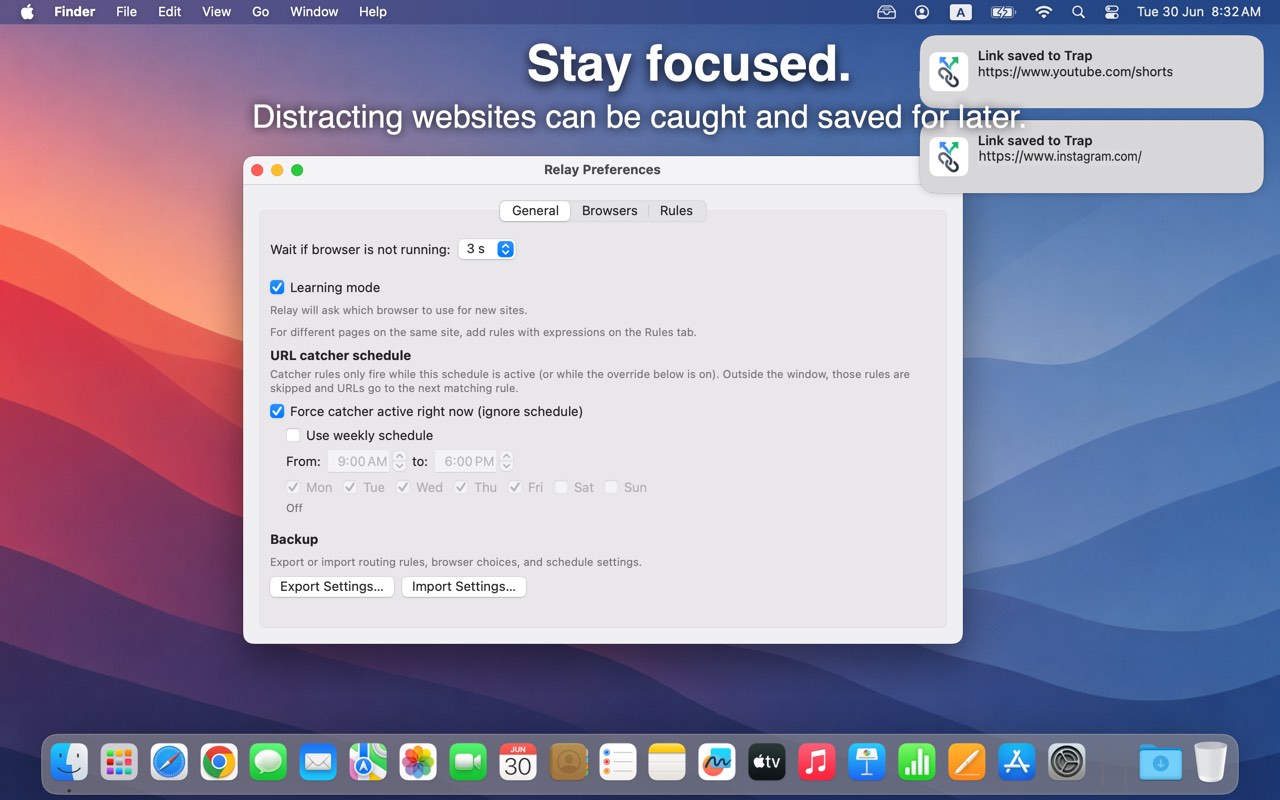
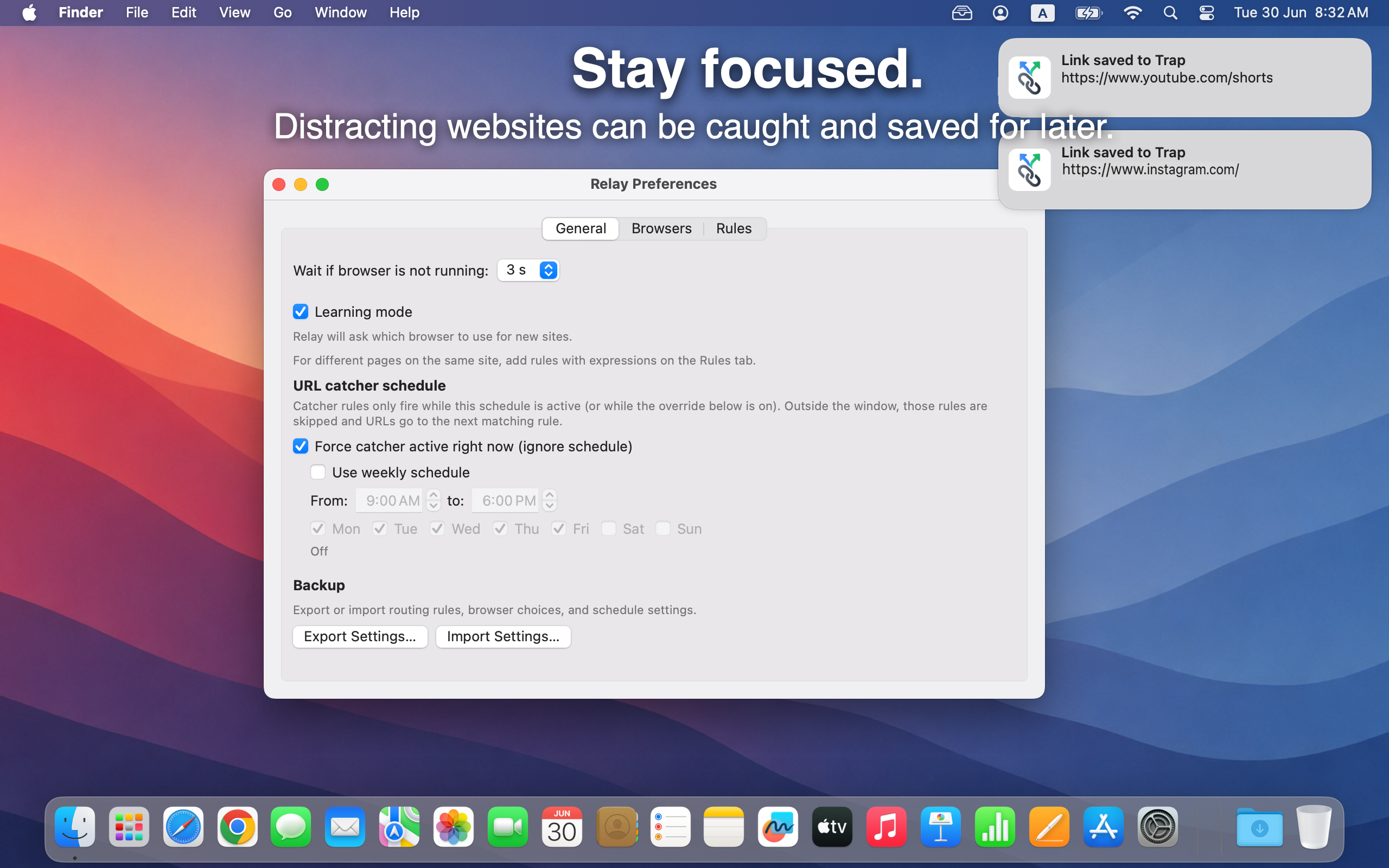
Stay focused.

Distracting links can be caught and saved for later instead of pulling you in. YouTube Shorts, Instagram, whatever breaks your flow — trapped, not opened.

Run the catcher on a weekly schedule (weekdays 9–6, for example) or force it active when you need deep work. Links land in your Trap until you're ready.

URL Catcher schedule and links saved to Trap

Everything else

Open links smarter.

Available on the Mac App Store. Requires macOS 12.0 or later.

Download on the Mac App Store

Available on the Mac App Store. No account required.